
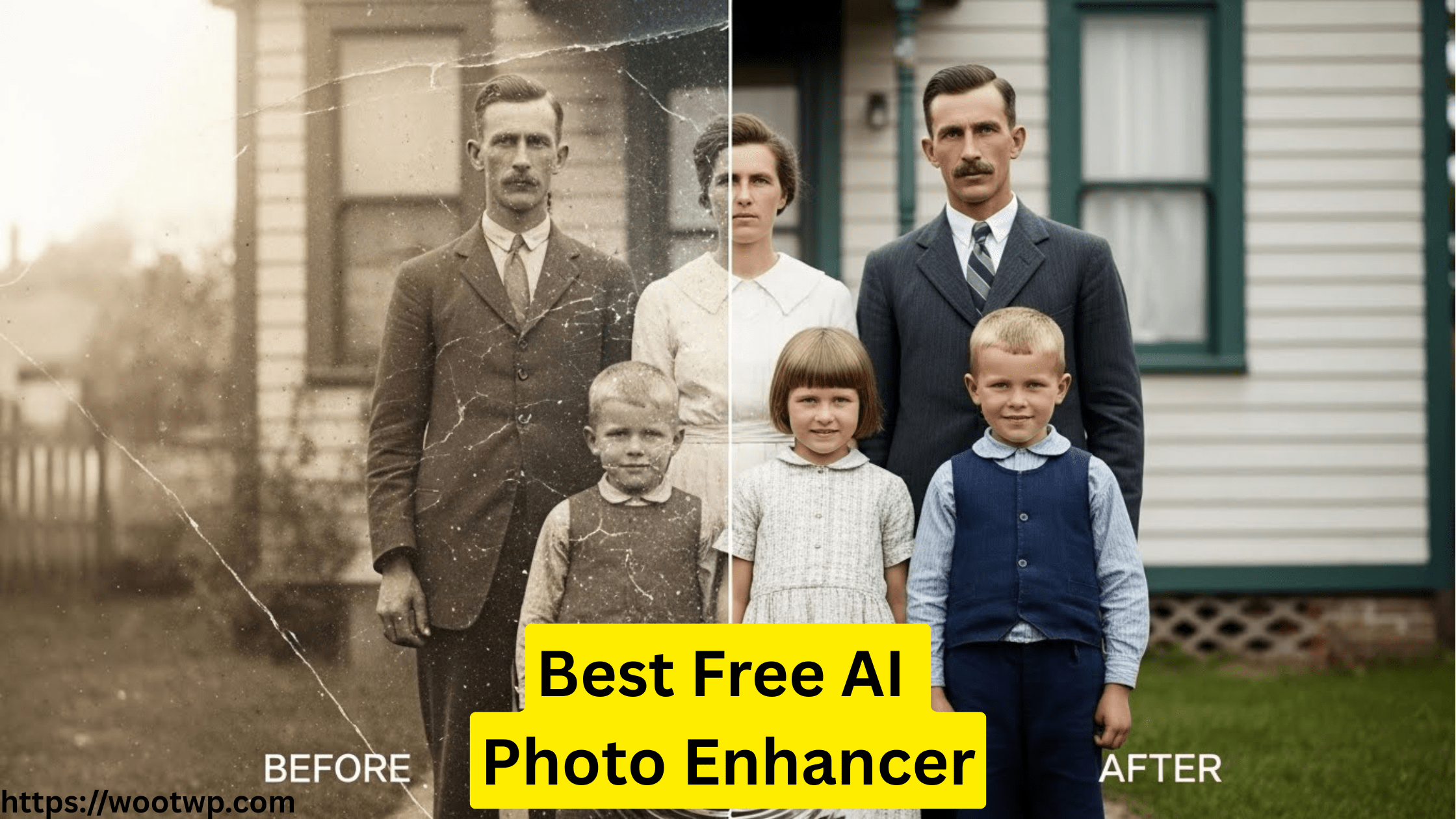
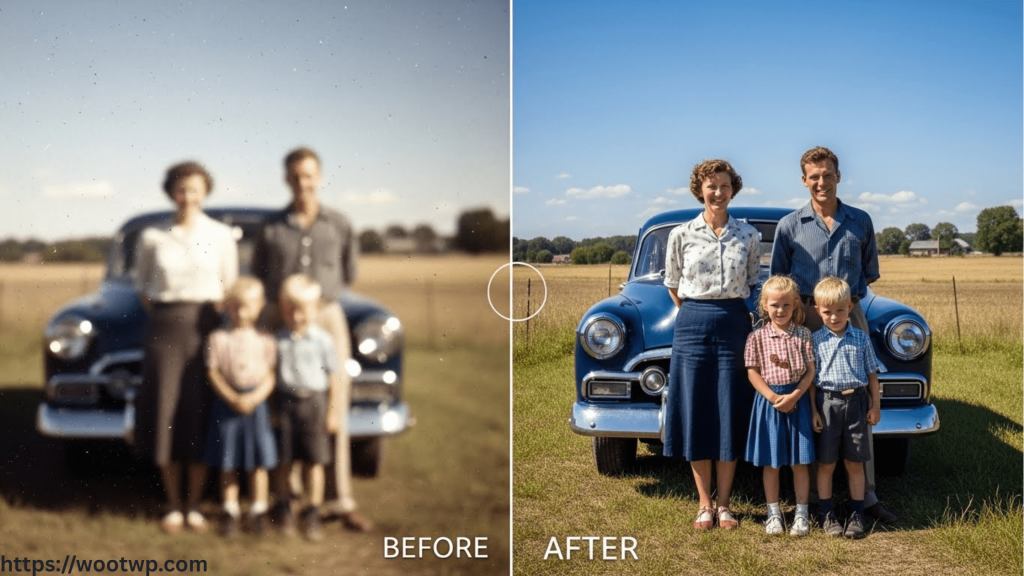
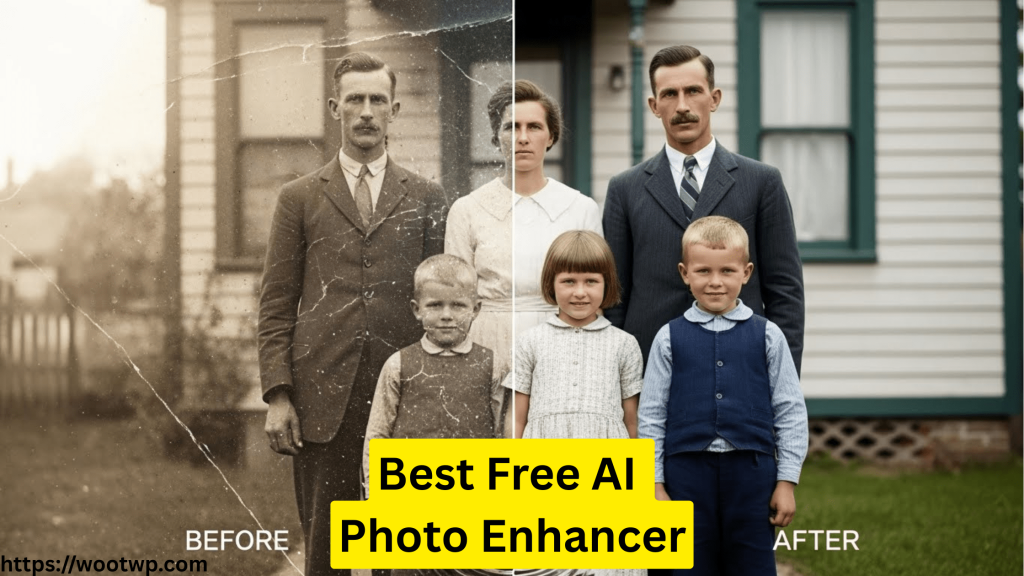
Old photographs preserve irreplaceable memories, but time often leaves them faded, scratched, blurry, or low in resolution. Previously, restoration required costly software or professional help. Now, AI offers an accessible solution.
The best free AI photo enhancers let anyone restore old photos online, fix blurry images, and upscale quality to 4K at no cost. These tools use advanced machine learning to sharpen faces, recover details, reduce noise, and enhance quality automatically.
In 2026, free AI photo enhancers are more powerful, accessible, and accurate than ever. Whether digitizing family albums, improving scans, or seeking a reliable Remini alternative, the right tool can restore memories in minutes.
This guide draws on hands-on experience with real photo restoration workflows. It compares the top free AI photo enhancers by quality, ease of use, output resolution, and restoration accuracy. Each tool can restore old photos online and deliver impressive results without technical expertise.
What Makes the Best Free AI Photo Enhancer?
Not all AI photo tools offer the same capabilities. Before reviewing the top options, it is important to understand what matters most in photo restoration.
Key Features to Look For
A high-quality free AI photo enhancer should offer:
- Automatic restoration for faded and damaged photos
- AI-based sharpening to fix blurry photos
- Resolution upscaling, ideally up to 4K
- Noise and scratch removal
- Face enhancement without over-smoothing
- No mandatory watermark on free exports
Why AI Is Better Than Traditional Editing
Traditional photo editing relies on manual adjustments. AI tools analyze millions of images to predict missing details. This makes them far more effective for:
- Restoring facial features in old portraits
- Enhancing low-resolution scans
- Improving contrast and clarity naturally
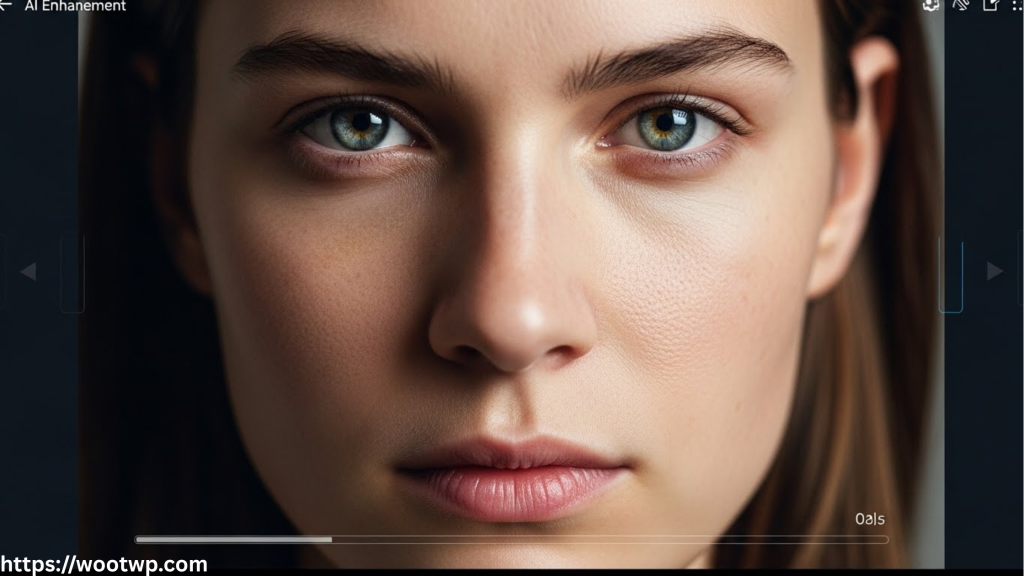
AI does not guess randomly. It reconstructs details based on learned visual patterns, which is why modern tools can enhance photo quality with remarkable accuracy.
Top 5 Free AI Photo Enhancers in 2026
1. AI Photo Enhancer by VanceAI
VanceAI remains a leading and reliable solution for restoring old photos online at no cost.
Why It Stands Out
- Specialized AI models for old photo restoration
- Excellent face reconstruction
- Strong scratch and noise removal
Key Capabilities
- One-click enhancement
- AI sharpening for blurred photos.
- Free credits available daily

VanceAI is especially effective for historical photographs and scanned prints. It balances sharpness and realism, avoiding the artificial look common in weaker tools.
2. Upscayl (Free Desktop AI Enhancer)
Upscayl is a popular open-source choice for users seeking full control and offline processing.
Why It Works Well
- Completely free with no watermarks
- Offline processing ensures privacy.
- Powerful upscaling algorithms
Best Use Cases
- Upscale image 4K free
- Enhance photo quality for prints.
- Restore scanned photos
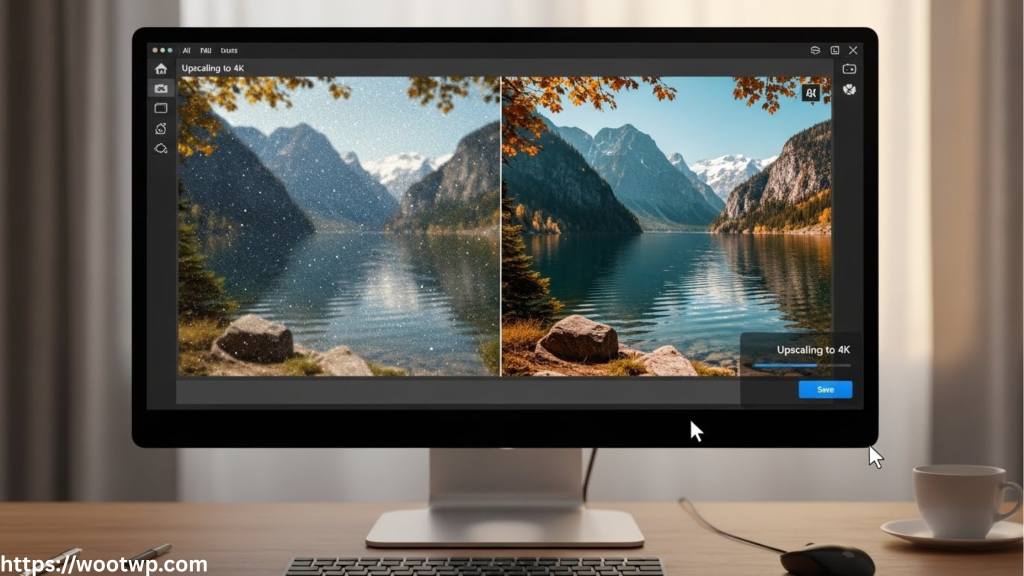
While Upscayl does not focus heavily on scratch removal, it excels at resolution enhancement and clarity. It is ideal when image sharpness is the primary goal.
3. PhotoRoom AI Enhancer
PhotoRoom has expanded beyond background removal to offer a capable AI photo enhancement tool.
Key Strengths
- Clean, user-friendly interface
- Fast online processing
- Good balance between sharpening and noise reduction
Limitations
- The free version may include export limits.
- Less advanced restoration for severely damaged photos
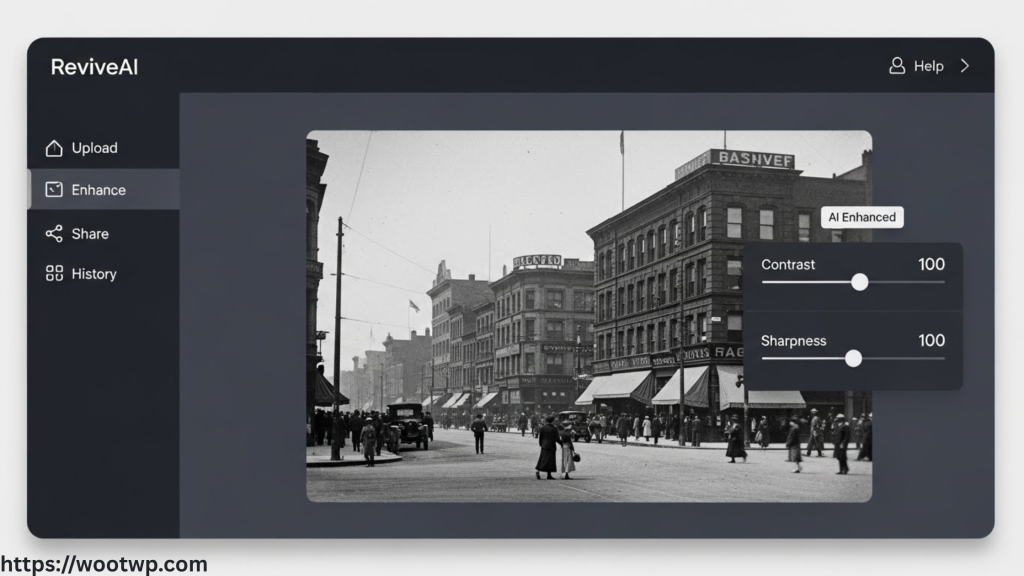
This tool is best suited for lightly damaged photos that require clarity and color correction rather than full reconstruction.
4. Fotor AI Photo Enhancer
Fotor remains a popular choice for casual users who need straightforward restoration tools.
Why People Use It
- Works entirely online
- Includes AI sharpening and denoising
- Supports basic old photo enhancement
Ideal For
- Quick fixes
- Social media sharing
- Beginners
Fotor is not the most advanced option, but it is dependable for quick improvements without a learning curve.
5. Let’s Enhance (Free Plan)
Let’s Enhance is a strong Remini alternative, free for users focused on resolution and clarity.
Standout Features
- AI-powered upscaling
- Smart tone and color adjustments
- Natural detail enhancement
What to Expect
- Limited free exports
- Best results with portraits and landscapes
Let’s Enhance delivers consistent results and avoids the overly processed look that some AI tools produce.
Feature Comparison Table
| Tool Name | Restore Old Photos | Fix Blurry Photos AI | Upscale Image 4K Free | Watermark-Free | Ease of Use |
|---|---|---|---|---|---|
| VanceAI | Yes | Yes | Limited | Yes | Very Easy |
| Upscayl | Partial | Yes | Yes | Yes | Moderate |
| PhotoRoom | Yes | Yes | No | Limited | Very Easy |
| Fotor | Yes | Yes | No | Limited | Easy |
| Let’s Enhance | Partial | Yes | Yes | Limited | Easy |
Table Explanation:
This comparison highlights how each tool performs across key restoration needs. For full restoration, VanceAI leads. For free 4K upscaling without watermarks, Upscayl stands out. Users seeking simplicity may prefer PhotoRoom or Fotor.
ALSO READ: 10 FREE CANVA ALTERNATIVE
How to Restore Old Photos Online Free Using AI
Restoring photos does not require technical skills. Most tools follow a similar process.
Step-by-Step Process
- Upload the old or damaged photo.
- Select AI enhancement or restoration mode.
- Preview the enhanced image.
- Download the restored version.
Tips for Best Results
- Use the highest-quality scan available.
- Avoid over-enhancement settings
- Compare multiple tools if needed.
Free tools can produce professional-grade results when used thoughtfully.
Common Mistakes to Avoid
- Over-sharpening faces, which creates unnatural textures
- Using low-resolution scans as input
- Relying on one tool for severely damaged images
Trying two or three different enhancers often yields the best results.
Frequently Asked Questions
What is the best free AI photo enhancer in 2026?
VanceAI and Upscayl consistently deliver the most reliable results for free users, depending on whether restoration or upscaling is the priority.
Can I restore old photos online for free without watermarks?
Yes. Upscayl and some free credits from VanceAI allow watermark-free downloads.
Is AI safe for restoring family photos?
Reputable tools process images securely. Offline tools like Upscayl offer the highest level of privacy.
Can AI fix very blurry old photos?
AI can significantly improve blur, but results depend on the original image quality. Moderate blur is easier to fix than extreme damage.
Can I upscale an image 4K free using AI?
Yes. Upscayl and Let’s Enhance offer free 4K upscaling, but with limitations.
Is there a free Remini alternative?
Yes. VanceAI, Upscayl, and Let’s Enhance are strong free Remini alternatives.
Do AI tools work on black-and-white photos?
Yes. Many AI enhancers are optimized for black-and-white restoration and facial detail recovery.
Conclusion
Restoring old photos no longer requires expensive software or professional services. With the best free AI photo enhancers, anyone can revive faded memories. From repairing scratches to fixing blur and upscaling images to 4K, today’s AI tools deliver impressive results with minimal effort.
Each tool in this guide serves a specific purpose. VanceAI excels at full restoration. Upscayl is unmatched for free high-resolution upscaling. PhotoRoom and Fotor offer fast, user-friendly enhancements. Let’s Enhance is a polished free Remini alternative for clarity-focused improvements.
The best approach is to match the tool to your specific photo needs. Try more than one if necessary. With the right AI enhancer, even decades-old photos can become sharp, clear, and meaningful again.
Begin restoring your memories today and see how modern AI can enhance photo quality while preserving authenticity.