
How to Tell if an Email Is Phishing: 9 Red Flags That Work
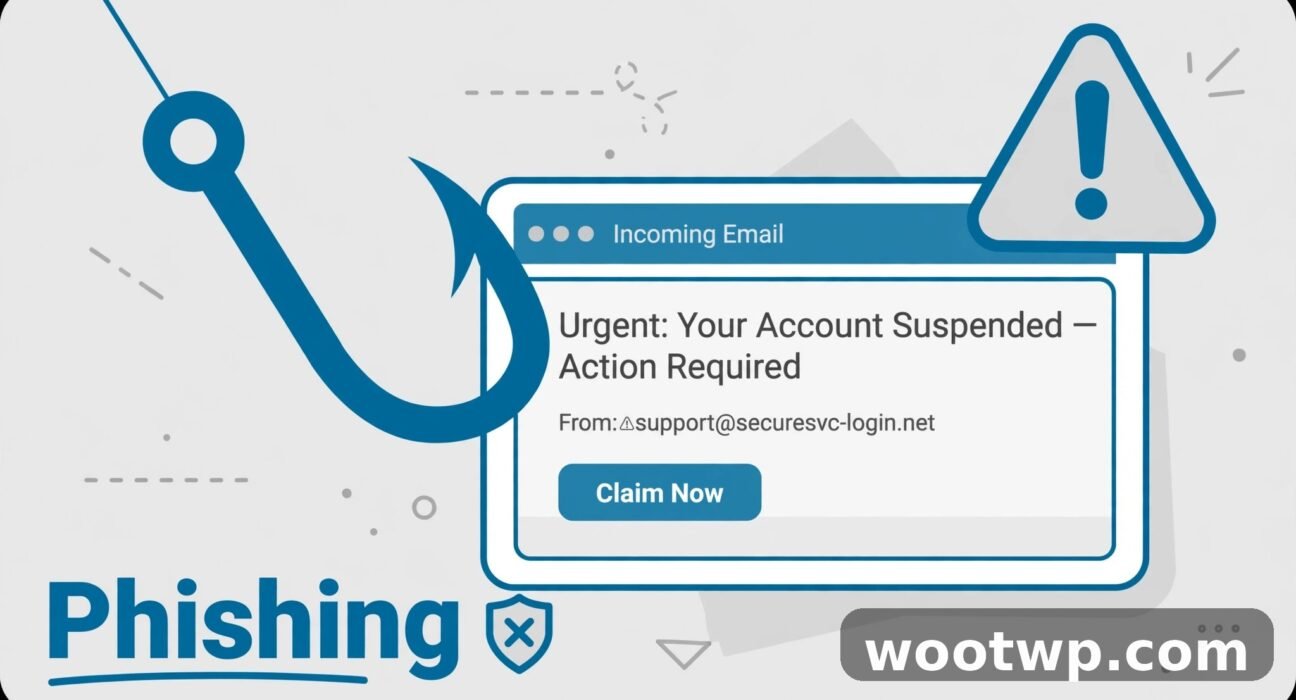
Phishing emails don't look like the clumsy scams they used to be. The modern ones copy real company branding, use your name, and arrive at just the wrong moment — like a "package delivery failed" email when you're actually waiting for a package. Knowing how to tell if an email is phishing is no longer optional; it's basic digital self-defense. Here are 9 red flags I check every time an email asks me to click, pay, or log in.
- What Is Phishing, Exactly?
- The 9 Red Flags of a Phishing Email
- What to Do When You Spot a Phishing Email
- What to Do If You Already Clicked
- FAQs
What Is Phishing, Exactly?
Phishing is when someone sends you an email pretending to be a person or company you trust — your bank, a delivery service, your boss, a government agency — to trick you into doing something: clicking a malicious link, opening a booby-trapped attachment, or handing over passwords and payment details.
The name comes from "fishing": attackers cast a wide net and see who bites. And it works because phishing targets people, not software. No firewall can stop you from voluntarily typing your password into a fake login page. That's why your own judgment is the most important security tool you have — and why it's worth training.
Phishing has also evolved. Beyond plain email, there's spear phishing (targeted at you specifically, using details from your social media), smishing (the same trick via SMS), and vishing (voice calls). The red flags below apply to all of them, but I'll focus on email since that's where most people encounter it.
The 9 Red Flags of a Phishing Email
One red flag is a warning. Two or three together is almost certainly a scam. Run through this list whenever an email feels even slightly off.
1. The Sender's Address Doesn't Match the Company
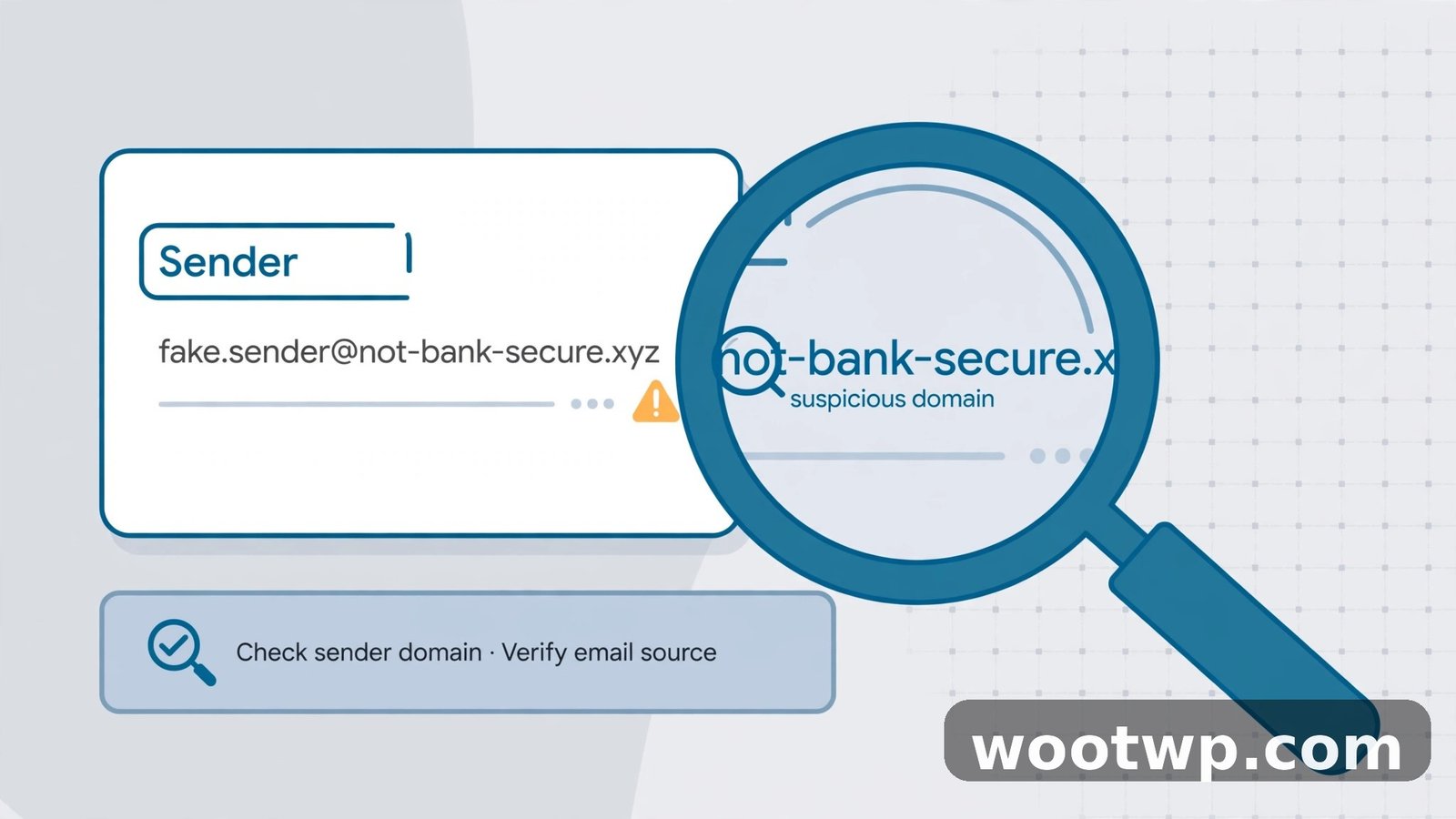
This is the single most reliable check. The display name can say anything — "PayPal," "Apple Support," "Your Bank" — but the actual email address behind it tells the truth. On a computer, hover over or click the sender's name to reveal the real address. On a phone, tap the name.
Look for:
- Slight misspellings:
arnazon.cominstead ofamazon.com,micorsoft.cominstead ofmicrosoft.com - Extra words:
paypal-secure-notice.com,apple-support-team.net - Wrong endings:
yourbank.coinstead ofyourbank.com - Free email addresses: a "company" writing from
support-company@gmail.comorinfo@outlook.com
Real companies send important emails from their own domains. If the domain doesn't match the company, stop right there.
2. Urgency, Threats, or Pressure
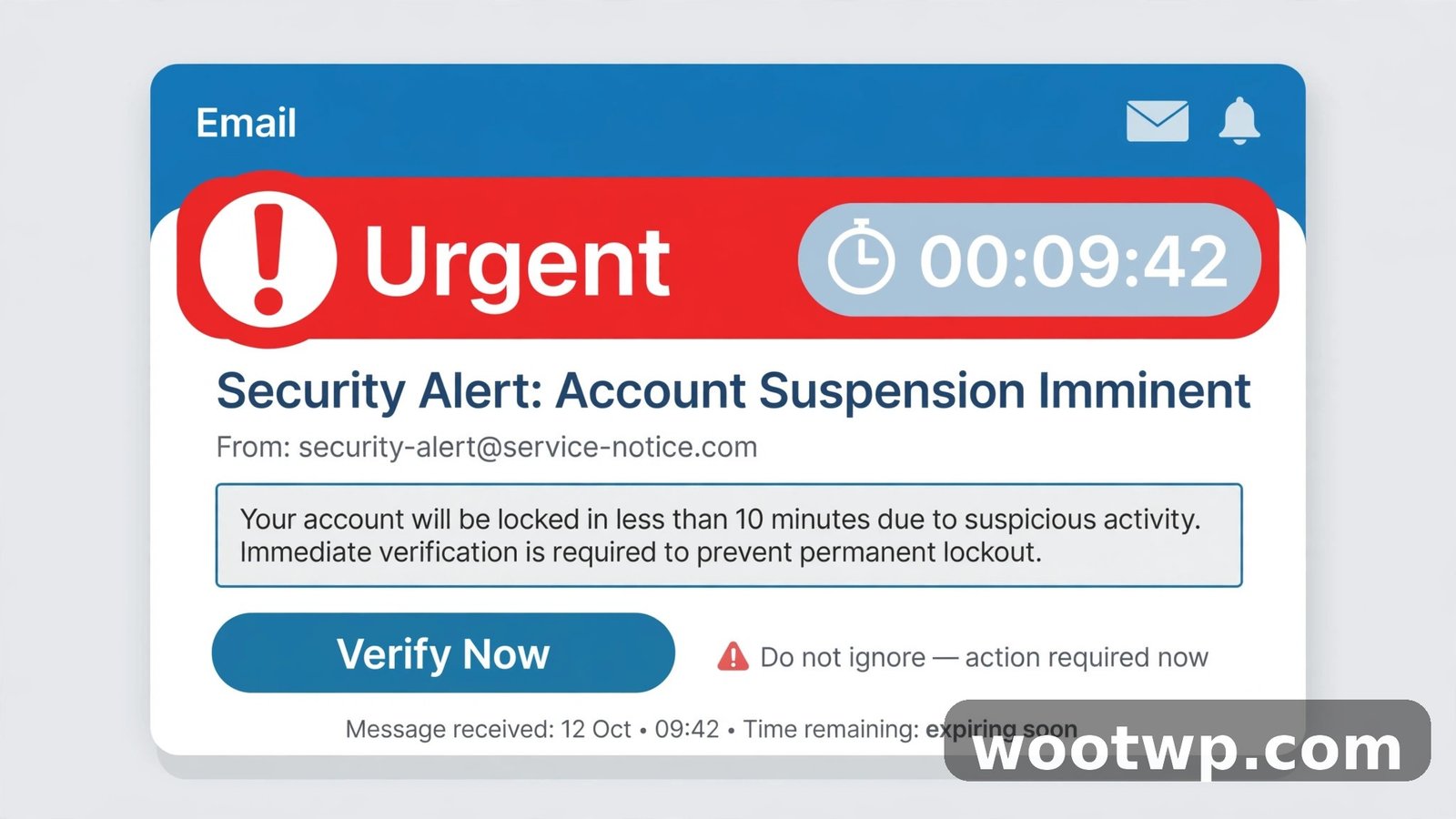
Phishing works by rushing you. The email creates a feeling that you must act NOW — your account will be suspended in 24 hours, a payment is overdue, a package will be returned, a "suspicious login" needs immediate verification.
Legitimate companies do send urgent emails sometimes, but scammers rely on urgency as their main weapon because panic short-circuits critical thinking. My rule: the more urgent an email feels, the slower I go. A real bank won't close your account because you took ten minutes to verify.
3. Generic Greetings Instead of Your Name
"Dear Customer," "Valued Member," "Dear User," "Hello Friend" — phishing emails go out in bulk, so they often can't personalize. A real bank, a real subscription service, or a real employer usually addresses you by name because they actually have your details on file.
This isn't foolproof — some legitimate bulk emails are generic too, and some phishers do have your name from data breaches. But a generic greeting combined with any other red flag is a strong signal.
4. Links That Don't Go Where They Claim
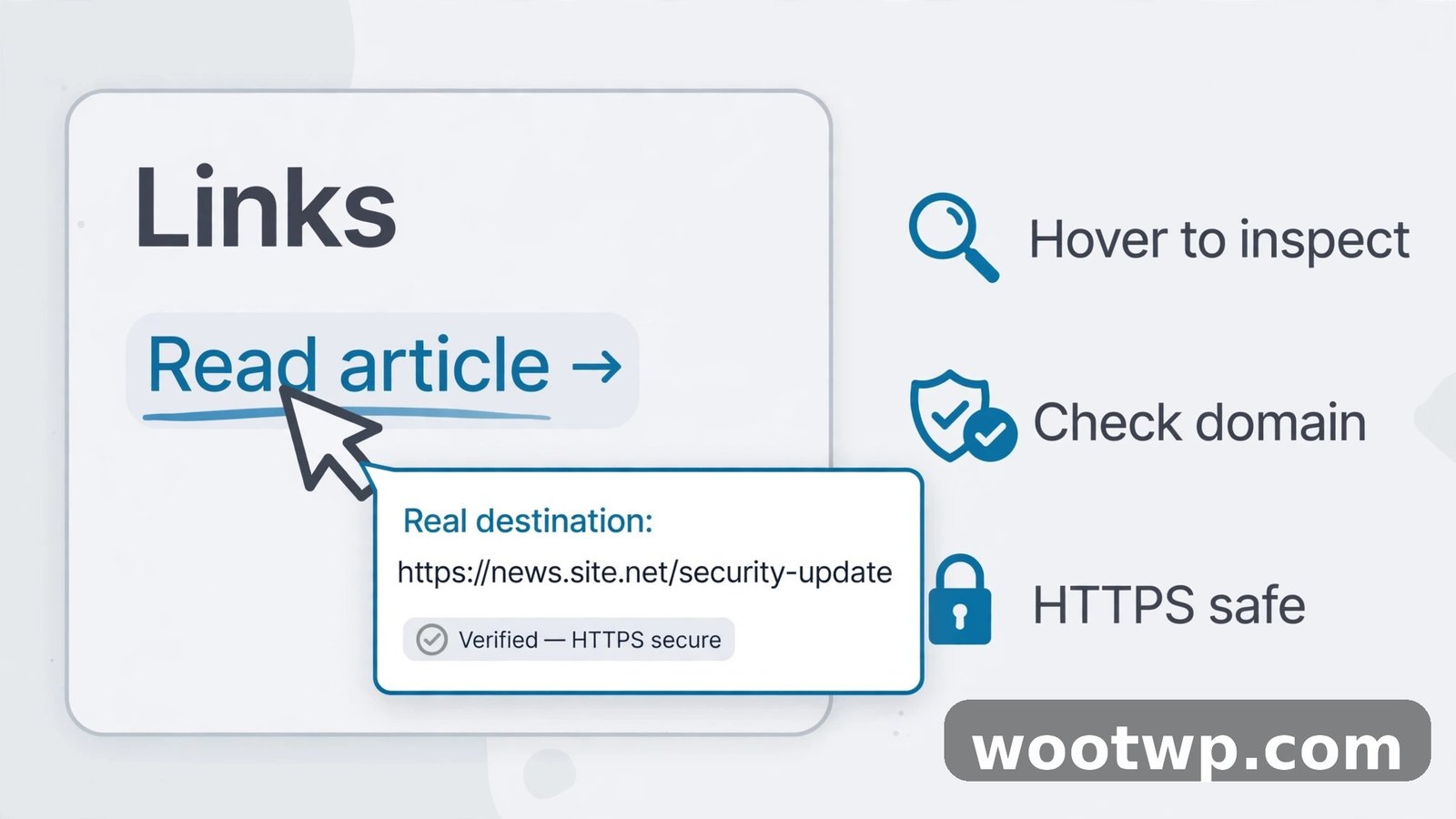
Before clicking any link, check where it actually leads. On a computer, hover over the link and look at the address in the bottom corner of the browser. On a phone, press and hold the link to preview it.
Read the domain from right to left. paypal.com.account-verify.co/login belongs to account-verify.co, not PayPal. That's the trick: scammers put the real company name at the start and their own domain at the end, knowing most people only glance at the beginning.
Also watch for:
- URL shorteners (bit.ly, tinyurl) hiding the real destination
- Long strings of random characters
http://instead ofhttps://on anything asking for credentials- Links where the visible text says one thing and the real address is something else entirely
When in doubt, don't click. Type the company's address into your browser yourself, or use a bookmark you already have.
5. Unexpected Attachments
A phishing email's attachment is often the actual weapon — a document with malicious macros, a fake invoice, a .zip file that installs malware when opened. Be especially careful with:
- Attachments you weren't expecting, even from people you know (their account may be compromised)
- Compressed files (
.zip,.rar) and executables (.exe,.scr) - Documents that ask you to "Enable Content" or "Enable Editing" — that's how the malware activates
- HTML attachments (
.html) that open a fake login page in your browser
Real companies rarely send sensitive documents as surprise attachments. If your "bank" sends an unexpected statement, log into your account directly and check there instead.
6. Requests for Passwords or Sensitive Details
No legitimate company will ever ask for your password, full credit card number, or Social Security number by email. Not your bank, not Apple, not Google, not the tax office. Any email asking you to "verify your account" by typing in sensitive information is a phishing attempt — full stop.
This also applies to payment changes. If an email from a "supplier" or "colleague" asks you to send money to a new bank account, verify through a completely separate channel — call a number you already have, not one in the email.
7. Spelling, Grammar, and Design That's Slightly Off
Phishing emails have gotten much better, but many still have tells: awkward phrasing, odd capitalization, sentences that read like machine translation, or logos that look slightly stretched or blurry. A real company's marketing and security teams proofread their emails; scammers often don't bother.
That said, don't rely on this one alone. Some phishing emails are flawless — especially with modern AI tools writing the text. Treat perfect grammar as neutral, not as proof of legitimacy.
8. Too-Good-to-Be-True Offers
"You've won a prize." "Claim your $500 refund." "Get a free iPhone for completing a survey." If you didn't enter a contest, you didn't win one. Refund and prize scams prey on excitement the same way urgency scams prey on fear — both are designed to make you act before you think.
A close cousin is the fake invoice: "You were charged $499 for antivirus renewal — click here to cancel." You never bought it, but the fear of the charge makes people click. If you get one, check your actual account directly instead of clicking.
9. The "To" Field Isn't Your Address
Check who the email was actually sent to. If the "To" line shows a different address, a generic list, or dozens of undisclosed recipients, that's suspicious. A real personal email from your bank is addressed to you. Mass phishing goes out to thousands of addresses at once, and the headers often show it.
What to Do When You Spot a Phishing Email
Catching a phishing email is only half the job. Here's the correct response:
- Don't click anything. Not the links, not the attachments, not even the "unsubscribe" link — in a phishing email, "unsubscribe" just confirms your address is active.
- Don't reply. Replying tells the scammer your address is monitored, which makes you a better target next time.
- Report it. In Gmail, open the message, click the three dots, and choose Report phishing. This helps Google block the sender for everyone. Outlook has a similar option.
- Delete it. After reporting, delete the message.
- Verify separately if you're unsure. If the email might be real — say, an actual fraud alert — contact the company through a channel you trust: type their address yourself, use their official app, or call a number from their website. Never use contact details from the suspicious email itself.
If you use Gmail, turning on two-factor authentication is one of the best defenses against the damage phishing can do — even if a scammer gets your password, they can't get in without your second factor.
What to Do If You Already Clicked
Don't panic — but act fast. Speed limits the damage:
- Disconnect from the internet if you downloaded or opened something suspicious, to cut off any malware's connection.
- Change your password on the real site (typed in manually, not via the email) — and anywhere else you reused that password.
- Turn on two-factor authentication everywhere important if you haven't already.
- Check your accounts for unfamiliar logins, sent messages, or changed settings over the next few days.
- Run a malware scan with your antivirus or Windows Defender if you opened an attachment.
- Report the phishing to your email provider and, for financial scams, to your bank.
For a deeper walkthrough of checking whether your credentials have already leaked, see my guide on how to create a secure password that attackers can't guess.
FAQs
What is the most common sign of a phishing email?
A sender address that doesn't match the company it claims to be from. Urgent language demanding immediate action is the second most common. If you see both together, it's almost certainly phishing.
Can phishing emails come from people I know?
Yes. If someone's email account gets hacked, attackers send phishing emails to their entire contact list — and those come from a real, trusted address. That's why unexpected attachments or odd requests from friends deserve the same scrutiny, verified through a separate channel like a phone call.
Should I click "unsubscribe" on a phishing email?
No. In a legitimate marketing email, unsubscribe is safe. In a phishing email, the unsubscribe link may lead to a malicious site or simply confirm to the scammer that your address is active. Report and delete instead.
Can my email provider catch all phishing emails?
No. Gmail and other providers filter out the vast majority of phishing, but some always slip through — especially new, targeted campaigns. The final layer of defense is always you, which is why learning these red flags matters.
What does a phishing link look like?
It often contains the real company's name plus something extra: amazon-security-check.net, paypal.verify-account.co, or long random strings. The key skill is reading the domain from right to left — the last two parts before the first slash are the real site.
Is it safe to just preview a phishing email without clicking?
Generally yes. Simply opening or previewing an email in Gmail or Outlook is safe — the danger comes from clicking links, opening attachments, or replying. Just don't interact with anything inside a message you suspect.
Conclusion
Learning how to tell if an email is phishing comes down to one habit: pause before you act. Check the real sender address, read links before clicking them, and treat urgency as a warning sign instead of a call to action. Scammers succeed when people rush — and now that you know their 9 favorite tricks, rushing is the one thing you won't do.