


Disclosure: This post contains affiliate links. If you buy through them, we may earn a commission at no extra cost to you.
What Is Batch AI Photo Sharpener PRO?
Batch AI Photo Sharpener PRO by Reezaa is a Windows desktop app that sharpens and enhances photos in bulk using AI deep-learning algorithms. Point it at a folder of blurry or noisy images and it processes them all automatically. Its standout trait: it works 100% offline — your photos never leave your computer, which is great for privacy.
Key Features
- AI sharpening — deblur soft or shaky photos without overexposure
- Denoising — clean up grainy, low-light images
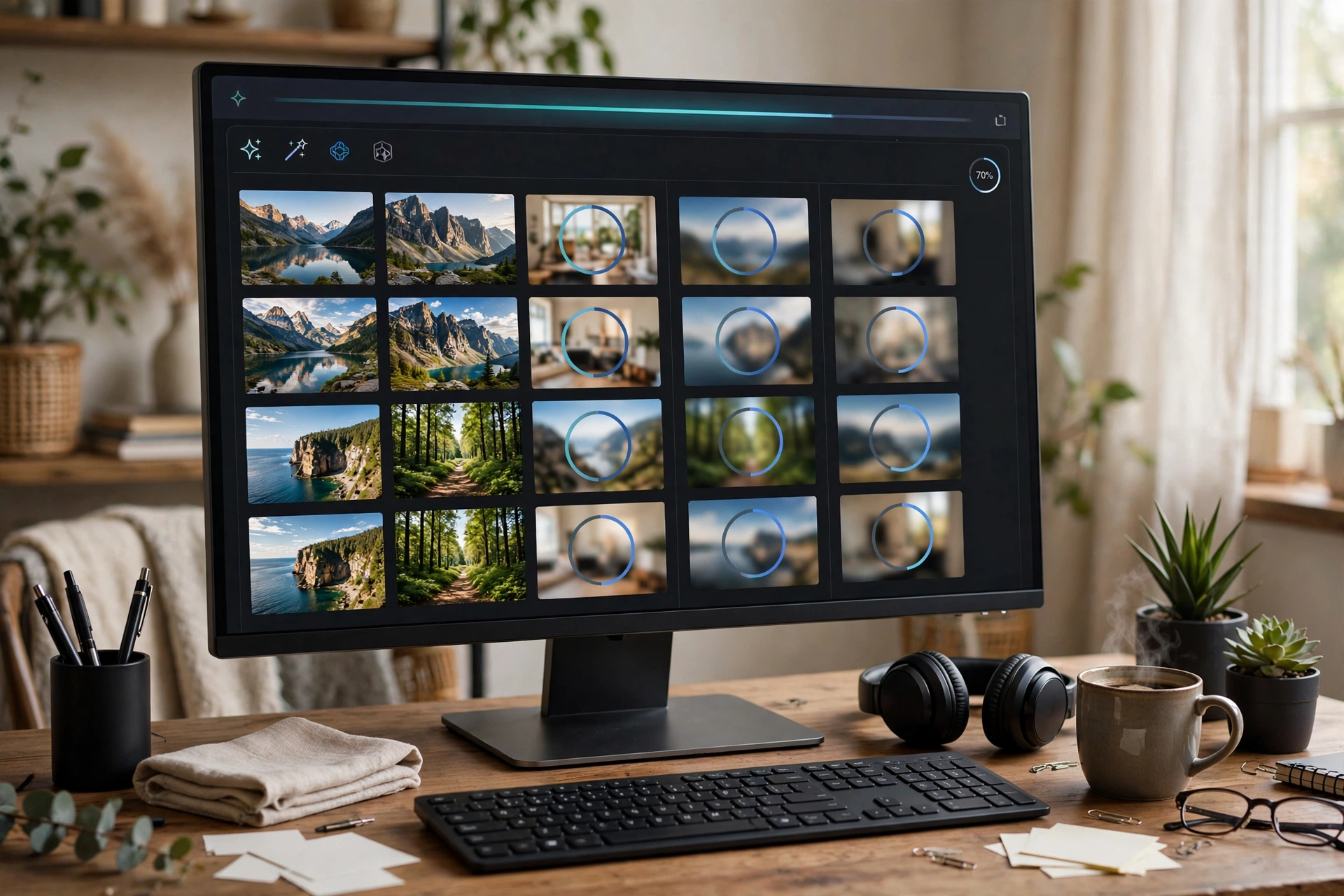
- Batch processing — enhance entire folders of photos at once
- Two AI models — Photo and Graphic algorithms for different image types
- Three modes — Denoise, Clear, and Sharp for different needs
- 100% offline — no uploads; processing uses your local GPU
- PNG and JPG support
Pricing
A single lifetime license costs $29.95 (volume licenses available). Pricing changes frequently — check reezaa.com for current rates and any coupon offers.
Pros and Cons
Pros:
- True batch processing saves hours on large photo collections
- Fully offline — strong privacy story
- One-time price, no subscription
- Simple, focused tool that does one job well
Cons:
- Windows only — no Mac version
- Narrower feature set than full AI photo editors (no object removal or upscaling suite)
- Smaller vendor with a modest online footprint
Who Should (and Shouldn’t) Buy It
It’s ideal for photographers and anyone restoring batches of old or blurry photos who values offline privacy. If you need a full creative suite with background removal and upscaling, look at broader AI photo tools instead.
FAQ
What does Batch AI Photo Sharpener PRO do?
It uses AI to sharpen blurry photos and remove noise, processing many images at once in batch.
How much does it cost?
$29.95 for a single lifetime license. Check reezaa.com for current pricing.
Does it upload my photos?
No — it works 100% offline on your own computer.
Is it subscription or one-time?
One-time purchase per license, not a subscription.
Verdict
A focused, affordable, privacy-friendly tool for bulk photo sharpening. If that’s your need, grab it through our link — it supports the site at no extra cost to you.