
How to Check Who Viewed Your Facebook Profile: 7 Proven Facts
You have probably wondered about this at least once: who keeps looking at your Facebook profile? Maybe an old friend, a coworker, or someone you barely know keeps popping up in your suggestions, and you want to know if they have been checking your photos. If you want to learn how to check who viewed your Facebook profile, here is the honest answer up front: Facebook does not give you a list of profile visitors, but there are several real things you can see, and several scams you need to avoid.
In this guide, I will show you exactly what Facebook does and does not reveal, how to check the viewer information that actually exists, and how to lock down your privacy so you control who sees your profile in the first place.
- The Short Answer: Can You Check Who Viewed Your Facebook Profile?
- What Facebook Actually Lets You See
- Why Third-Party Profile Viewer Apps Are a Scam
- How to Check Who Viewed Your Facebook Profile Content: The Real Clues
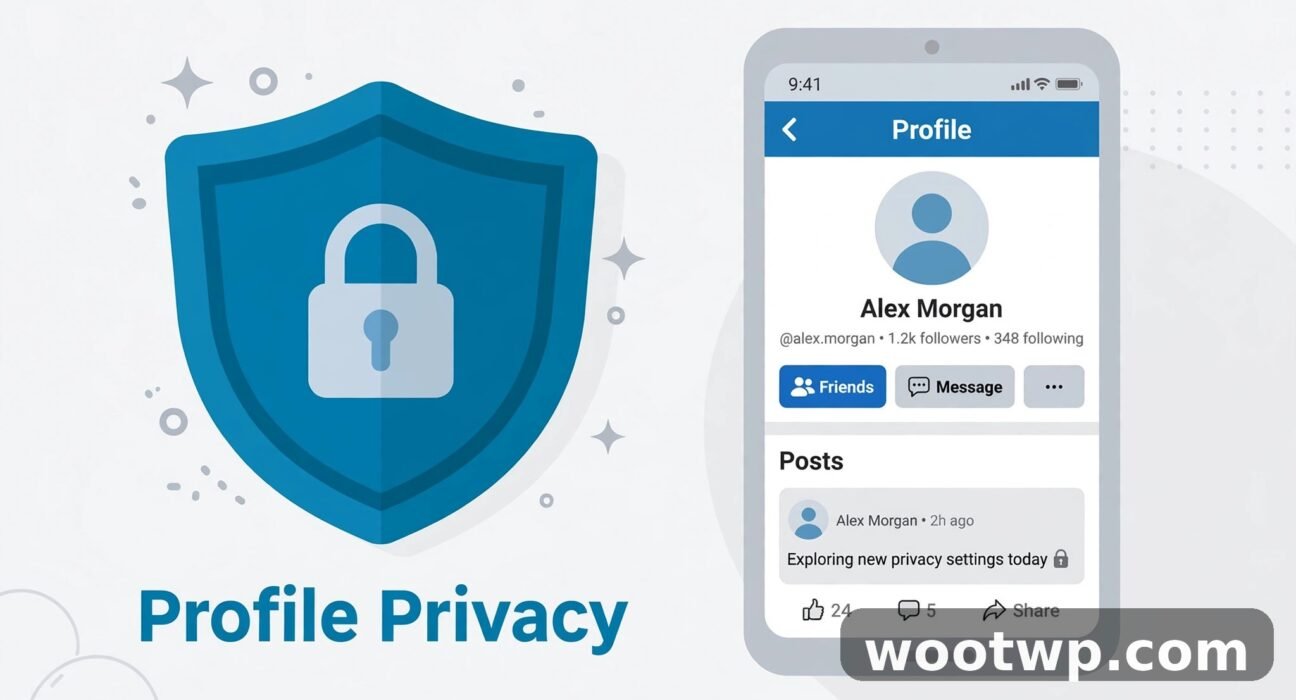
- Privacy Settings That Control Who Sees Your Profile
- What About People You May Know and Search Suggestions?
- What to Do If You Already Installed a Profile Viewer App
- Frequently Asked Questions
The Short Answer: Can You Check Who Viewed Your Facebook Profile?
No, you cannot see a list of people who viewed your Facebook profile. Facebook has said this clearly in Facebook's Help Center: the platform does not let people track who views their profile, and no official feature, setting, or hidden menu reveals that list.
This is true for personal profiles. It does not matter whether you use the Facebook app on your phone or the website on a computer, and it does not change if you pay for anything or switch to a different account type. If someone opens your profile, looks at your photos, and leaves without liking, commenting, or sending a request, Facebook does not tell you.
That answer is disappointing, but it is also good news in one way: nobody can see when you view their profile either. The same privacy rule protects you when you look at someone else's photos or check up on an old classmate.
The confusion comes from the fact that Facebook does show you some viewer information in other places. Stories show you exactly who watched them. Pages and professional accounts show aggregate visit counts. Posts show you who reacted and commented. Those are real, but none of them is a profile visitor list, and anyone who claims otherwise is selling you something false.
What Facebook Actually Lets You See
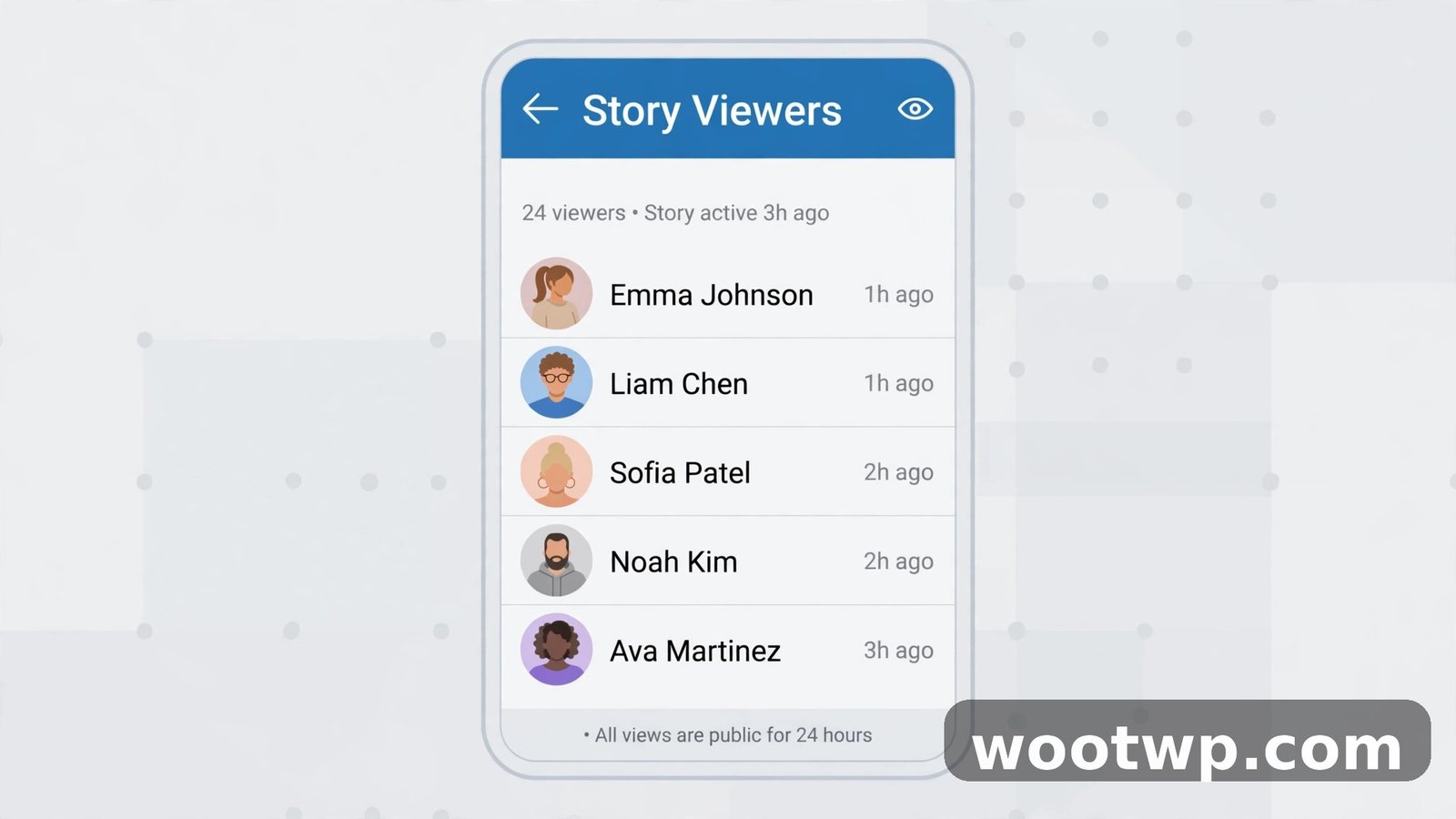
Facebook draws a firm line between content engagement and profile visits. Engagement is visible. Silent profile visits are not. Here is what you can actually check.
Story viewers. When you post a Facebook story, you can see the names of everyone who watched it. Open your story, swipe up or tap the viewer count, and you get a full list. This list disappears when the story expires after 24 hours, unless you save it to a highlight.
Followers. You can see who follows you, even if you are not friends with them. Go to your profile, tap Followers, and you will see the list. A follower is someone who chose to see your public posts, which is a much stronger signal of interest than a silent profile visit.
Post reactions, comments, and shares. Every like, comment, and share on your posts shows the person's name. If someone regularly reacts to your posts, they are clearly paying attention to your profile, even if you cannot prove they opened the profile page itself.
Friend requests and messages. New friend requests, message requests, and tags all tell you who is trying to reach you. These are visible in your notifications and in Messenger.
Page insights for Pages and professional mode. If you run a Facebook Page or use professional mode on your profile, you get aggregate numbers: how many people visited, where they came from, and which posts reached the most people. You get counts, not names. Facebook never hands Page owners a named list of profile visitors either.
Why Third-Party Profile Viewer Apps Are a Scam
Search for profile viewers and you will find dozens of apps, browser extensions, and websites promising to reveal your secret visitors. Every one of them is either useless or dangerous, and here is why.
Facebook does not share profile-visitor data with anyone, including app developers. There is no official way for an app to get this information, because Facebook simply does not collect it in a form it hands out. So any app that claims to show you a list is making that list up, guessing from your recent interactions, or showing you random names to keep you using the app.
Worse, many of these apps ask you to log in with your Facebook account or grant broad permissions. Once you do that, the app can post spam from your account, read your friend list, harvest your personal details, or send phishing messages to your contacts. I have seen people lose control of their accounts this way, and cleaning it up takes far longer than the five minutes the app promised to save.
Watch for these red flags:
- The app asks for your Facebook password outside of Facebook's own login screen.
- It asks for permission to post on your behalf, manage your Pages, or access your friend list.
- It shows a list of visitors but every name is someone you recently interacted with anyway.
- It demands payment to unlock the "full" visitor list.
- It asks you to invite friends or share the app before showing results.
- Reviews mention spam posts, account lockouts, or unexpected password changes after installing it.
If you see any of these signs, do not install it, and if you already did, remove it right away. I cover the cleanup steps later in this guide.
The same warning applies to browser tricks that claim to reveal visitors through page source code or "initial chat friends" lists. Those lists reflect recent chats and interactions, not profile visits, and editing or reading page source cannot unlock data Facebook never sent to your browser.
How to Check Who Viewed Your Facebook Profile Content: The Real Clues
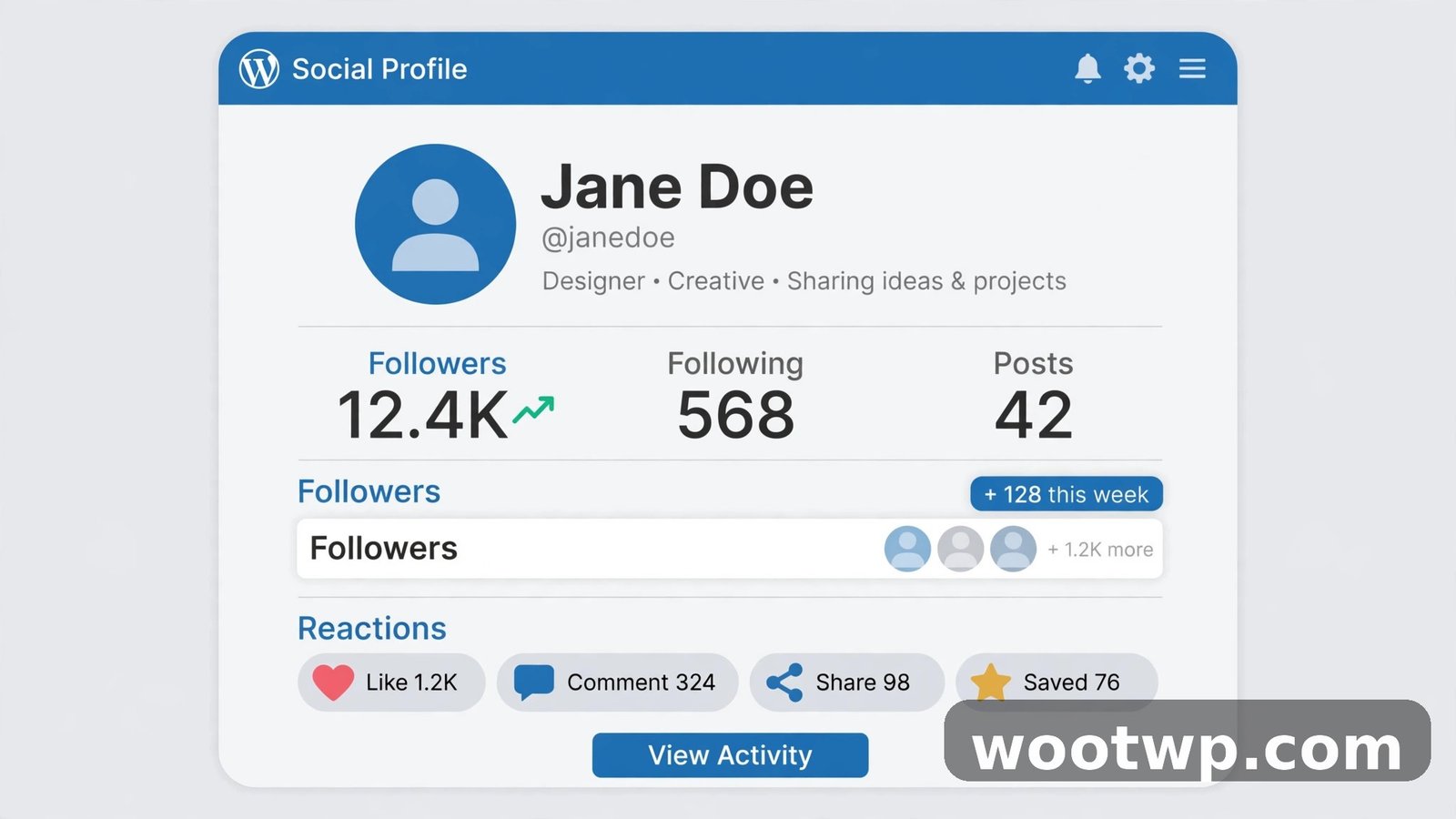
You cannot get a visitor list, but you can piece together a realistic picture of who is paying attention to you. Here is how to check each real signal, step by step.
Check Your Story Viewers
- Open the Facebook app and tap your story at the top of the feed.
- Swipe up on the story, or tap the eye icon with the viewer count.
- Scroll through the names. Anyone listed here definitely watched that story.
- Repeat for each story you posted. Different stories attract different viewers.
Story viewers are the closest thing Facebook offers to a visitor list, because stories are tied to your profile and watching one is a deliberate act. If the same person watches your stories every day, they are clearly following your updates closely.
Check Your Followers
- Go to your profile in the Facebook app.
- Tap Followers under your profile picture and bio.
- Scroll the list and look for names you do not recognize or people you are not friends with.
- If someone you do not want following you appears here, you can block them or adjust who can follow you in Settings.
Followers matter because following is a choice. A stranger who follows you has decided your public posts are worth seeing, which tells you more than a silent profile visit ever would.
Review Post Engagement
- Open one of your recent posts.
- Tap the reactions at the bottom to see exactly who liked, loved, or reacted to it.
- Tap the comments and shares to see who joined the conversation.
- Look for patterns across several posts. Regular reactors are your most engaged audience.
This takes a few minutes, but it gives you a far more honest picture than a fake viewer app. Engagement is real behavior, not a guess.
Check Professional Dashboard Numbers
If you use professional mode or run a Page:
- Go to your profile or Page and tap Dashboard or Insights.
- Look at profile visits, reach, and post performance over the last 28 days.
- Note which posts drove the most visits, and what kind of audience they reached.
These numbers are anonymous in aggregate, but they tell you whether your profile is growing, which content pulls people in, and whether a recent post sent a wave of visitors your way. That is useful information for anyone building an audience, even without names attached.
Privacy Settings That Control Who Sees Your Profile
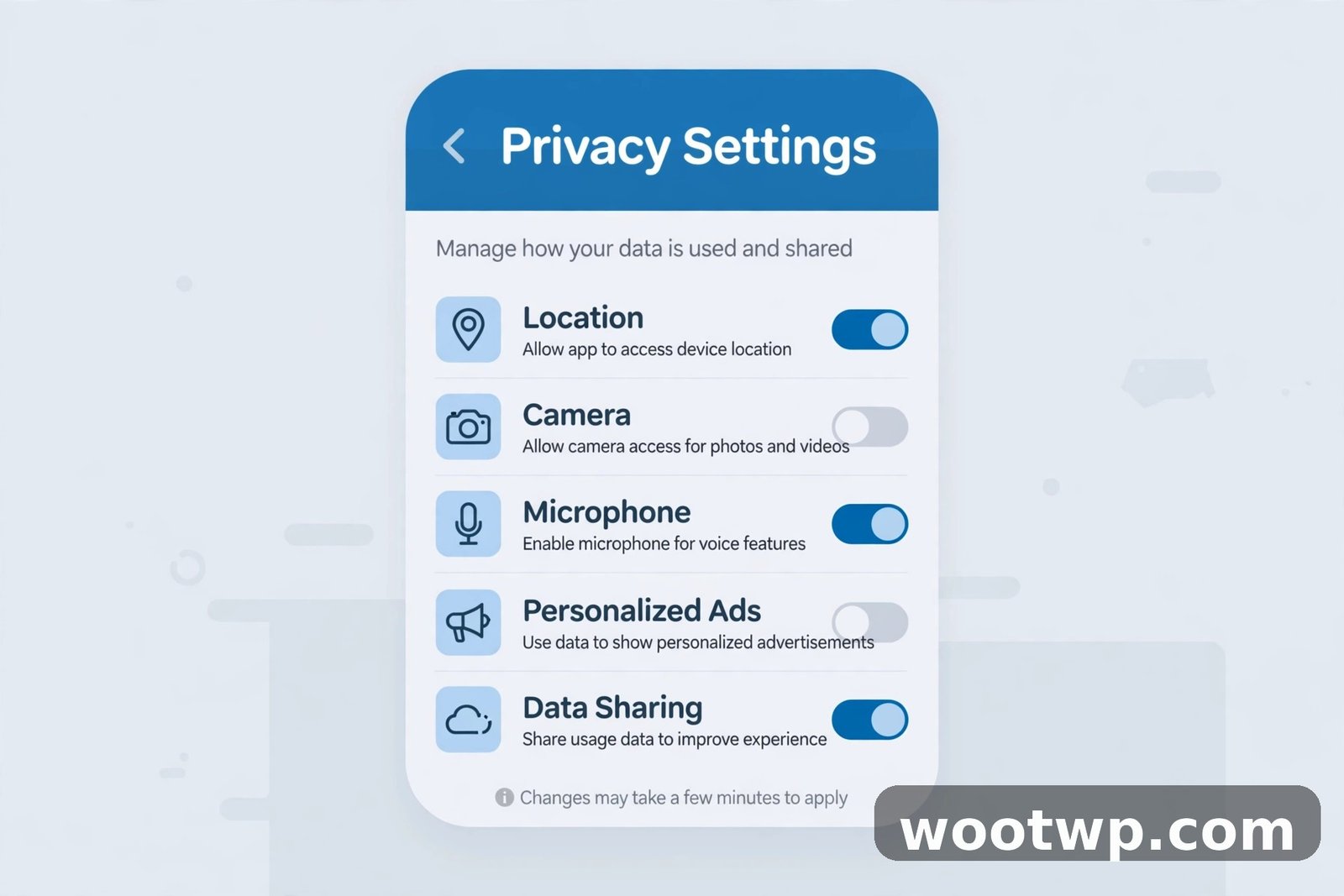
Since you cannot see your visitors, the next best thing is controlling who can visit in the first place. These settings take about ten minutes to review, and they make a real difference.
Who can see your future posts. Go to Settings, then Privacy, then "Who can see your future posts?" If it is set to Public, anyone on or off Facebook can view those posts. Setting it to Friends limits your audience to people you accepted.
Who can send you friend requests. In the same Privacy section, set friend requests to "Friends of friends" if you want fewer requests from strangers. This does not stop anyone from viewing a public profile, but it cuts down on unwanted contact.
Who can look you up. You can limit who can find you by email address or phone number, and you can turn off the setting that lets search engines link to your profile. This reduces how easily strangers stumble across you.
Who can follow you. Under Settings, then Privacy, then "Who can follow me," choose Friends if you do not want strangers following your public posts. If you keep it Public, check your follower list regularly.
Review old posts and tags. Use the "Limit past posts" option to change all your old public posts to Friends-only in one step. Also turn on tag review, so posts and photos other people tag you in need your approval before they appear on your profile.
Profile picture and cover photo. Remember that your current profile picture and cover photo are always public, no matter what your other settings say. Do not use a photo there that you would not want a stranger to see.
For a broader privacy cleanup, it is also worth clearing old browser data on devices you share, since saved logins and cookies can let someone else open your account. Our guide on how to clear cookies in Chrome walks through that on desktop and mobile.
What About People You May Know and Search Suggestions?
Two Facebook features regularly fuel the "someone visited my profile" theory, and both have simpler explanations.
People You May Know. This list is built from mutual friends, shared groups, shared schools or workplaces, contacts you uploaded, and location signals. It is not a list of people who viewed your profile. If a stranger appears there, it usually means you share a mutual friend, a group, or a contact, even if the connection is not obvious.
Search suggestions. When you start typing in the search bar, Facebook suggests people you have searched for before, people you interact with often, and people connected to your network. These suggestions reflect your own activity and your network, not a record of who searched for you.
The same logic applies in reverse: if you appear in someone else's suggestions, it does not mean you visited their profile. It means Facebook sees a plausible connection between you.
There is one more myth worth clearing up: checking your own profile repeatedly, or viewing it from another account, does not reveal hidden visitor data. Facebook does not keep a secret visitor log that you can unlock by switching accounts or devices.
What to Do If You Already Installed a Profile Viewer App
If you installed one of these apps or granted one access, act quickly. Most of the damage is reversible if you move fast.
- Open Facebook, go to Settings, then Apps and Websites.
- Find the suspicious app in the Active list and remove it. This cuts off its access to your account.
- Change your Facebook password right away, and choose a password you do not use anywhere else.
- Turn on two-factor authentication under Settings, then Password and Security. An authenticator app is stronger than SMS codes, and our guide on how to transfer Google Authenticator to a new phone helps if you ever switch devices.
- Check your recent posts and activity log for anything the app posted without your permission, and delete it.
- Warn friends if they received strange messages or invites from your account, so they do not click the same trap.
- Run a security check on your phone as well: remove any browser extension or side-loaded app tied to the viewer service, and check for unfamiliar apps in your settings.
After cleanup, keep an eye on your account for a few days. Look for login alerts from unfamiliar places, posts you did not write, and friend requests you did not send. If anything odd continues, use Facebook's "Secure your account" flow, which reviews active sessions and recent changes in one pass.
Frequently Asked Questions
Can I see who viewed my Facebook profile in 2026?
No. Facebook does not offer a profile visitor list for personal profiles, and no official setting unlocks one. You can see story viewers, followers, reactions, and comments, but not silent profile visits.
Do Facebook profile viewer apps really work?
No. Facebook does not give developers visitor data, so these apps guess from your interactions or show made-up lists. Many of them also harvest your login details or post spam from your account, so they are a security risk, not a shortcut.
Can I see who viewed my Facebook stories?
Yes. Open any story you posted, swipe up or tap the viewer count, and Facebook shows you the names of everyone who watched it. The list is only available while the story is live, for 24 hours.
Does Facebook show who viewed my profile if I use professional mode?
Professional mode adds aggregate insights, such as how many people visited your profile and which posts performed best, but it does not show the names of individual visitors. Page owners get the same kind of anonymous totals, not a named list.
Why does a stranger keep appearing in People You May Know?
People You May Know is based on mutual friends, shared groups, schools, workplaces, uploaded contacts, and similar signals. It is not evidence that the person viewed your profile. A shared mutual friend or group is the most common explanation.
How can I stop strangers from seeing my Facebook profile?
Set your future posts to Friends, limit past posts to Friends, restrict who can send friend requests and follow you, and turn off search-engine linking to your profile. Your current profile picture and cover photo stay public regardless, so choose them carefully.
Conclusion
Learning how to check who viewed your Facebook profile really means learning what Facebook does and does not show you. There is no secret visitor list, and any app that promises one is guessing at best and stealing your data at worst. What you can check is real and useful: story viewers, followers, post engagement, and aggregate insights if you use professional mode. Combine those signals with tight privacy settings, and you get both a clearer picture of your audience and real control over who can see your profile.