
How to Fix TikTok Not Loading Videos: 9 Proven Quick Fixes
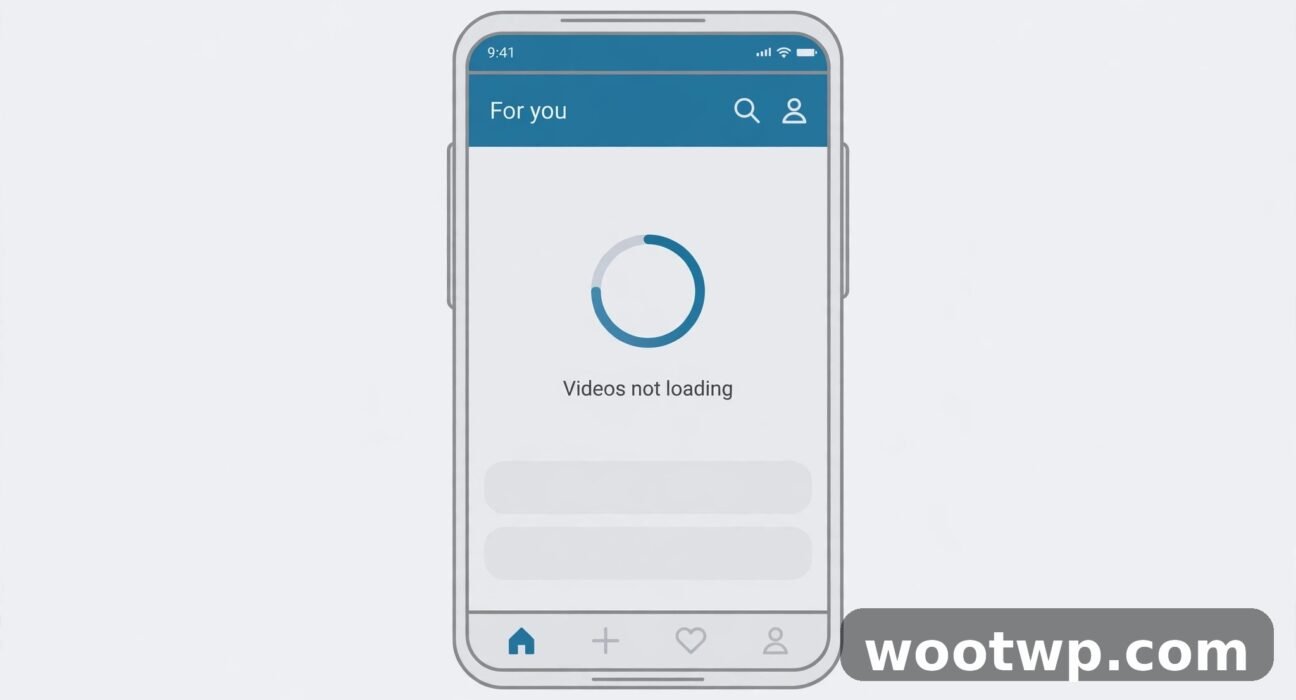
You open TikTok, the feed sits still, and a video freezes on one frame or spins forever. Learning how to fix TikTok not loading videos is frustrating because the rest of your phone works fine. YouTube plays, messages send, and web pages load. Only TikTok stalls. That pattern points to a cause inside the app, in how your phone connects for this one app, or on TikTok’s own servers, and each cause has a different fix.
This guide walks you through how to fix TikTok not loading videos in order, from the two-minute checks to the last-resort reinstall. Work through the steps in order and stop as soon as videos play again. You will also learn how to tell a server outage from a phone problem, protect your drafts before you clear data or reinstall, and stop the problem from coming back.
Table of Contents
- Why Are TikTok Videos Not Loading When the Internet Works?
- How to Fix TikTok Not Loading Videos: Quick Checks First
- Is TikTok Down? How to Check Before You Change Anything
- How to Fix TikTok Not Loading Videos by Clearing the Cache
- How to Fix TikTok Not Loading Videos With Network Fixes
- How to Fix TikTok Not Loading Videos by Updating and Reinstalling
- What to Do When Only Some TikTok Videos Will Not Load
- FAQs About TikTok Videos Not Loading
- Conclusion
Why Are TikTok Videos Not Loading When the Internet Works?
Video needs a steadier, faster stream than chat or web pages. A connection that passes a quick message test can still struggle with video, especially on a busy Wi-Fi network or a weak mobile signal. TikTok also stores temporary files, called cache, to load faster. When those files get damaged or grow too large, the app can stall on a blank screen or a frozen frame even though your connection is fine.
The usual causes of TikTok videos not loading fall into five groups:
- A shaky connection for video. The signal looks fine, but speed drops, latency spikes, or the network blocks video traffic. Switching networks often proves this in seconds.
- A damaged or overloaded cache. TikTok’s temporary files help it start fast, but a bad file can block new videos from loading at all.
- An outdated or buggy app version. Older builds sometimes break after a server-side change, and a buggy update can break loading until the next fix arrives.
- A TikTok server problem. When TikTok’s servers struggle, no fix on your phone helps. Checking this first saves wasted effort.
- A full phone or restricted permissions. Low storage, battery saver limits, or blocked background data can starve the app just enough to stall video.
In my experience, most cases end at one of the first three causes. I have seen a single network switch fix a feed that had spun for ten minutes, and a cache clear fix a feed that survived two restarts. The trick in how to fix TikTok not loading videos is to test in order, one change at a time, so you know what actually worked.
How to Fix TikTok Not Loading Videos: Quick Checks First
Start here. These checks take about two minutes, change nothing permanent, and solve a large share of loading problems. If videos start playing, you are done.
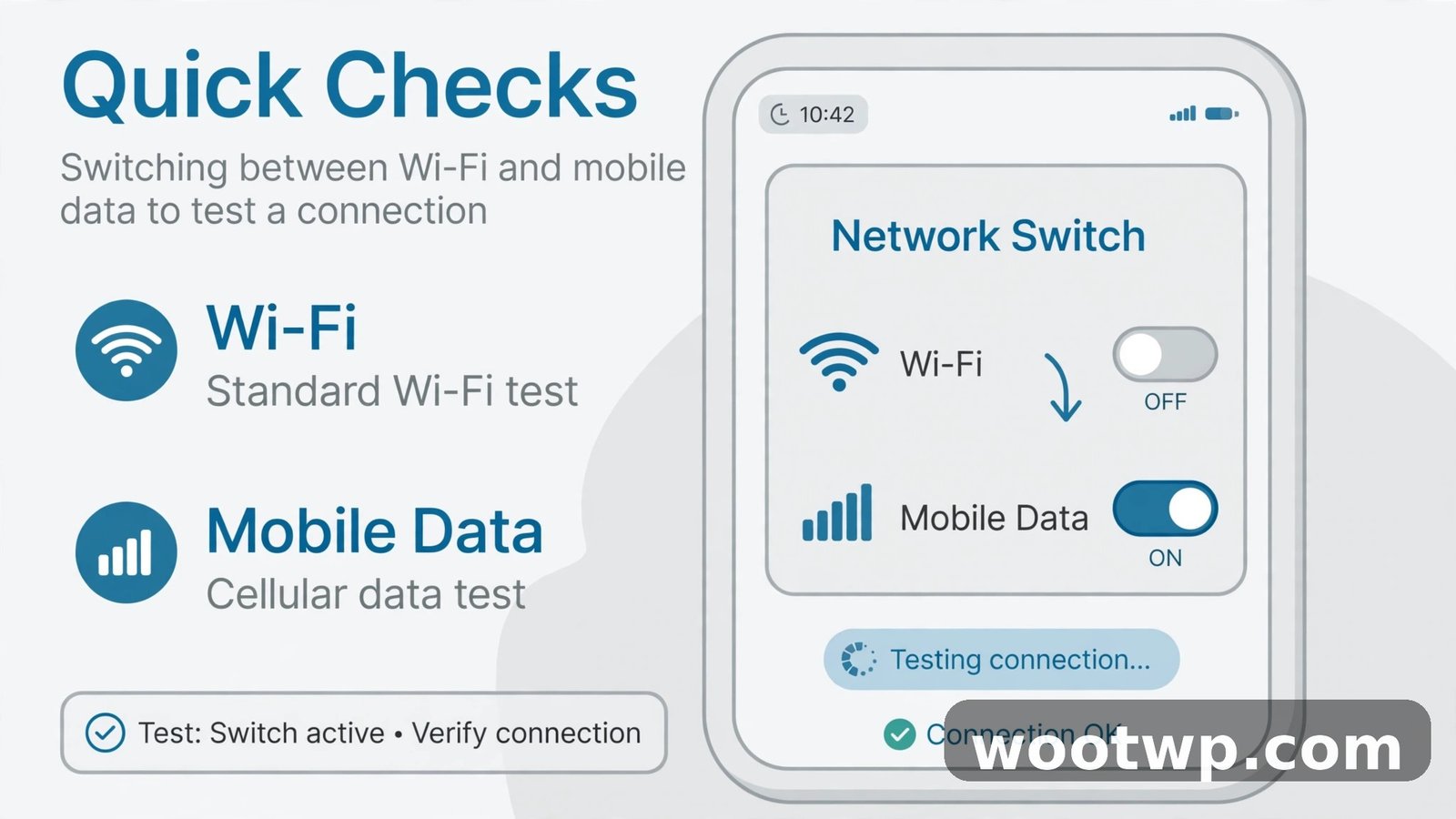
Switch Between Wi-Fi and Mobile Data
Switching networks is the fastest test for a connection problem, and it tells you where the fault sits.
- Open TikTok and note what happens: spinner, frozen frame, or blank screen.
- Turn Wi-Fi off so your phone uses mobile data, then open TikTok again and scroll.
- If videos load on mobile data, the Wi-Fi network is the problem. Restart the router and move closer to it, as described in the network section below.
- If videos still stall on mobile data, turn Wi-Fi back on and keep working through the fixes below. A failure on both networks does not rule out the connection, but it points more strongly at the app or TikTok’s servers.
- Try one other video app, such as YouTube, on the same connection. If it buffers too, the connection is the likely cause for every app, not just TikTok.
Close TikTok Completely and Restart Your Phone
Dropping to the home screen does not close TikTok. The app keeps running in the background, and a stuck process can stay stuck.
- Open the recent apps view on your phone.
- Swipe TikTok away to close it fully.
- Restart your phone. On Android, hold the power button and choose Restart. On iPhone, use the side button and volume button, then slide to power off, and turn the phone back on.
- Open TikTok again and scroll the feed.
A full restart clears temporary glitches in the app and in the phone’s network stack. It is the simplest fix, and it works more often than people expect, because they usually skip it and jump straight to reinstalling.
Check That TikTok Has Enough Storage and Data Permission
Video stalls when the phone runs out of room or the app cannot use data in the background.
- Free up space. If your phone shows less than 1 GB free, delete a few large videos or unused apps, then try TikTok again. Low storage affects every app, but video apps feel it first.
- Turn off Data Saver for TikTok. On Android, open Settings, then Apps, then TikTok, then Mobile data, and make sure background data is allowed. If a data saver blocks TikTok, videos may load on Wi-Fi but stall on mobile data.
- Check battery saver. Some battery saver modes limit background activity and video preloading. Turn battery saver off for a test, and if videos load, add TikTok as an unrestricted app in battery settings.
Is TikTok Down? How to Check Before You Change Anything
When TikTok’s servers have trouble, nothing you do on your phone will fix it. Check this early, before you clear data or reinstall, so you do not wipe settings for a problem that was never yours.
- Open a browser and search for “TikTok down” or visit Downdetector and search for TikTok. A sharp spike in reports in the last hour means other people hit the same problem at the same time.
- Ask a friend, or check TikTok on a second device on a different network. If both fail the same way, the cause likely sits with TikTok.
- Check TikTok’s official support account on X for outage posts, and see TikTok’s official support pages for service help and account recovery steps if the problem turns out to be account-related. Service posts there confirm a wider problem faster than guessing.
- If an outage looks likely, wait. Do not clear data or reinstall during an outage. Those steps cannot fix a server problem, and reinstalling risks losing drafts saved only on your phone.
If no outage shows up, keep going. The problem sits on your phone or your network, and the steps below will find it.
How to Fix TikTok Not Loading Videos by Clearing the Cache
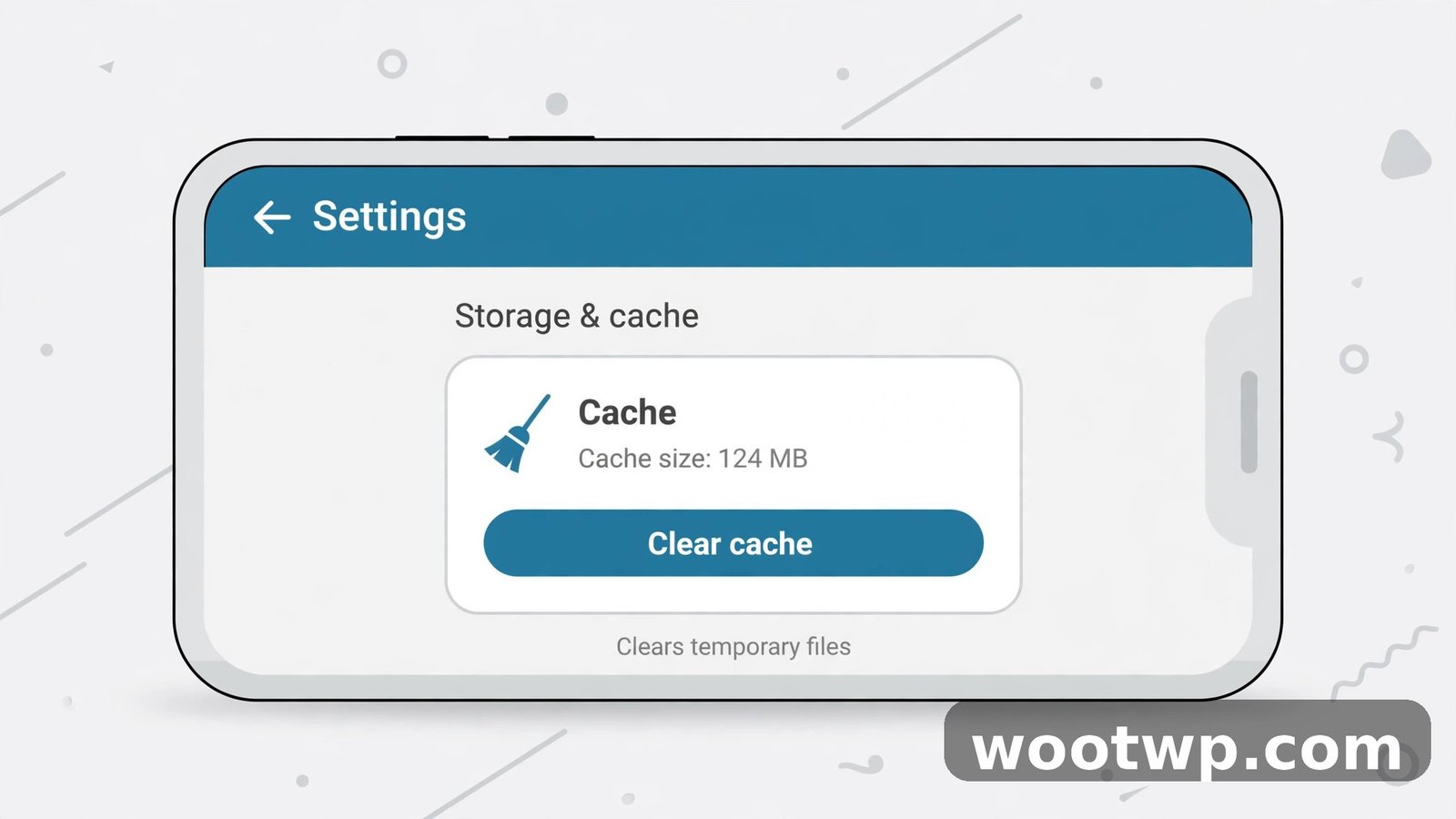
Clearing the cache removes TikTok’s temporary files without deleting your account, your posted videos, or your saved videos. It is safe, and it is the single most reliable fix for a feed that stalls after the quick checks. Use TikTok’s own cache cleaner first, not the phone’s general app settings, because it targets TikTok’s own files.
Clear the Cache Inside TikTok
- Open TikTok and tap Profile in the bottom-right corner.
- Tap the three-line menu in the top-right corner, then choose Settings and privacy.
- Scroll to Free up space on iPhone, or Cache and Cellular Data on Android.
- Tap Clear cache and confirm.
- Close TikTok completely, reopen it, and scroll the feed.
This removes temporary files only. Your drafts stay on the phone, and you stay signed in. If videos load after this step, the cache was the cause. If they still stall, move on to the network fixes.
Clear Data Only as a Last Resort, and Protect Drafts First
Clearing data, or clearing storage in Android app settings, is different from clearing the cache. It logs you out, removes app settings, and can delete drafts saved only on your phone. Do not use it until you have tried every other fix, and protect your work first.
- Save drafts you care about. Open each draft and save it to your phone, or post it privately, before you clear data. Drafts saved only in TikTok may not come back after a reinstall.
- Confirm your login details. Make sure you know your TikTok username, email or phone number, and password, and that you can receive a login code, before you log yourself out.
- Then clear data. On Android, open Settings, then Apps, then TikTok, then Storage, and choose Clear data or Clear storage. On iPhone, there is no direct clear-data button, so delete and reinstall the app instead, with the same draft warning.
If you need more help with connection problems in general, the guide on how to fix slow WiFi at home covers router placement, channel choice, and restart order, which also helps TikTok video loading on Wi-Fi.
How to Fix TikTok Not Loading Videos With Network Fixes
When you work out how to fix TikTok not loading videos, remember that videos loading on one network but not the other means the network is the problem. When they stall on both, these fixes still help, because VPNs, private DNS settings, and stale network settings can block video traffic on any connection.
Restart the Router and Move Closer
- Unplug your router for about 30 seconds, plug it back in, and wait two minutes for it to reconnect.
- Move closer to the router and try TikTok again. Thick walls and distance hurt video far more than chat.
- If you use a Wi-Fi extender, test TikTok while standing near the main router, not the extender. A weak extender link often stalls video while web pages still load.
Turn Off VPN and Private DNS for a Test
A VPN or a private DNS setting can route TikTok traffic through a slow or blocked server, even when other apps seem fine. Turn them off briefly as a test, not as a permanent change.
- Turn off any VPN app and try TikTok again.
- On Android, open Settings, search for “Private DNS”, and set it to Automatic or Off for a test. On iPhone, check for VPN or DNS profiles in Settings, then General, then VPN and Device Management.
- If videos load with the VPN off, the VPN server is the cause. Try a different VPN server, or keep the VPN off while you watch TikTok.
- Turn your usual settings back on after the test if you need them for other reasons.
Reset Network Settings When Nothing Else Helps
Resetting network settings clears saved Wi-Fi networks, Bluetooth pairings, and mobile settings, and gives the phone a fresh network start. It does not delete photos, apps, or accounts, but you will need your Wi-Fi passwords again, so save them first.
- Android: open Settings, then System, then Reset options, then Reset Wi-Fi, mobile and Bluetooth. Names vary by brand. Confirm, restart the phone, reconnect to Wi-Fi, and try TikTok.
- iPhone: open Settings, then General, then Transfer or Reset iPhone, then Reset, then Reset Network Settings. Reconnect to Wi-Fi and try TikTok.
Use this step only after the cache, update, and router fixes. It is a bigger hammer, and it should not be the first thing you try.
How to Fix TikTok Not Loading Videos by Updating and Reinstalling
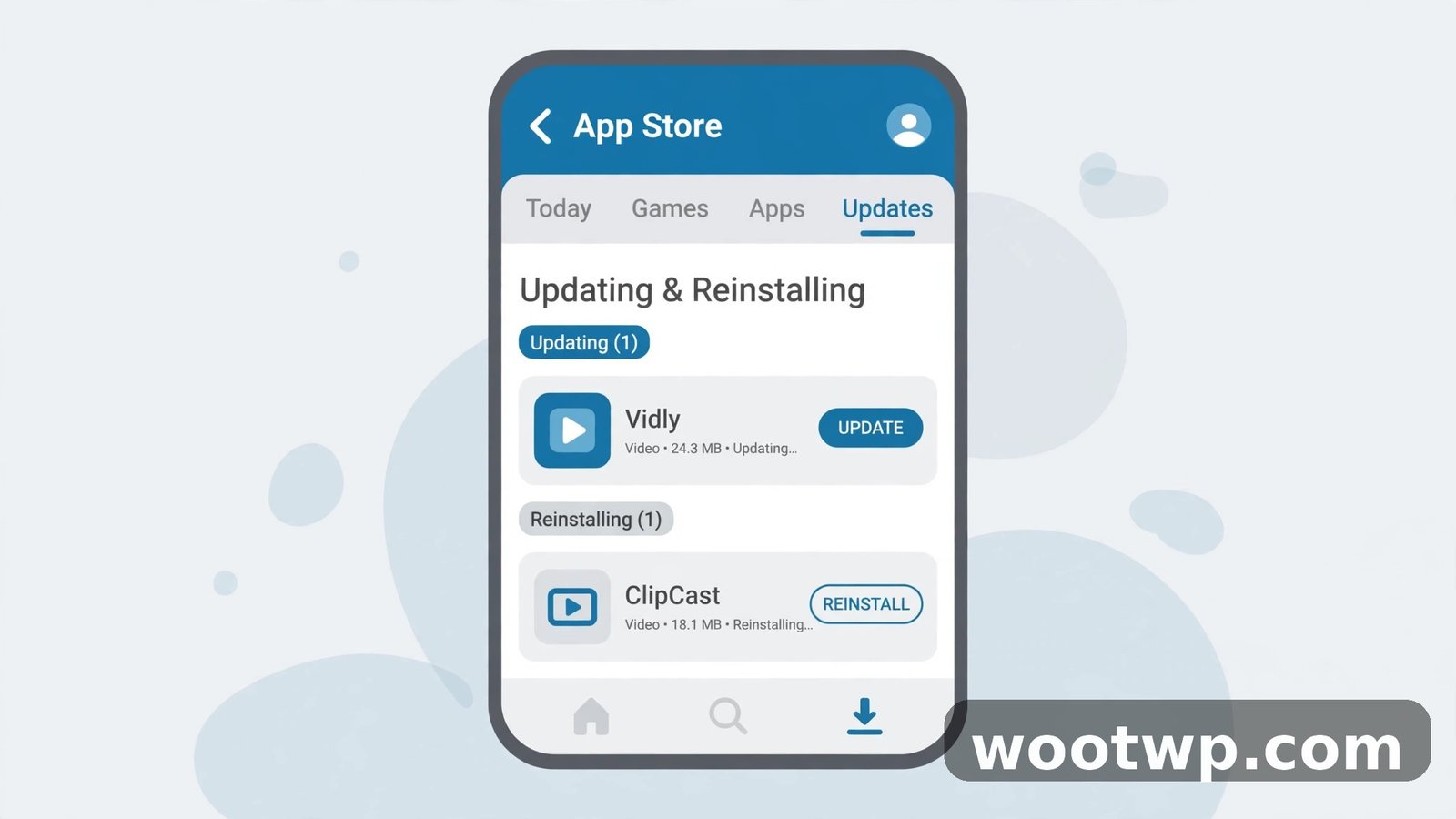
Part of how to fix TikTok not loading videos is keeping the app current, because an outdated app can stop loading after TikTok changes something on its servers. A buggy update can do the same. Updating is quick and safe, and reinstalling is the last step when the app itself is damaged.
Update TikTok
- Open the Google Play Store on Android or the App Store on iPhone.
- Search for TikTok and tap Update if it appears. If it shows Open instead, you already have the latest version the store offers.
- After the update finishes, restart your phone before you open TikTok. A restart after an update clears old files that can conflict with the new version.
- Open TikTok and scroll. If videos load, the old version was the cause.
Also update your phone’s system software if an update waits. TikTok relies on system network and media parts, and an old system version can clash with a new app version. Go to Settings, then Software update, and install any update that is ready, on Wi-Fi, with the phone charged.
Reinstall TikTok as the Last Step
Reinstall only after you have tried the cache clear, network fixes, and update, and only after you protect drafts and confirm your login details, as warned above.
- Save any draft you want to keep by exporting it to your phone or posting it privately.
- Confirm you can sign back in, with your password and a way to receive a code.
- Press and hold the TikTok icon, choose Uninstall or Remove App, and confirm.
- Restart your phone.
- Install TikTok again from the Google Play Store or App Store, sign in, and test the feed before you change any settings.
Reinstalling gives you a clean copy of the app with no damaged files. If videos still will not load after a clean reinstall on two different networks, and no outage shows on Downdetector, contact TikTok support from inside the app, in Profile, then the menu, then Settings and privacy, then Report a problem. Describe what you tried, in order, so support does not ask you to repeat the same steps.
What to Do When Only Some TikTok Videos Will Not Load
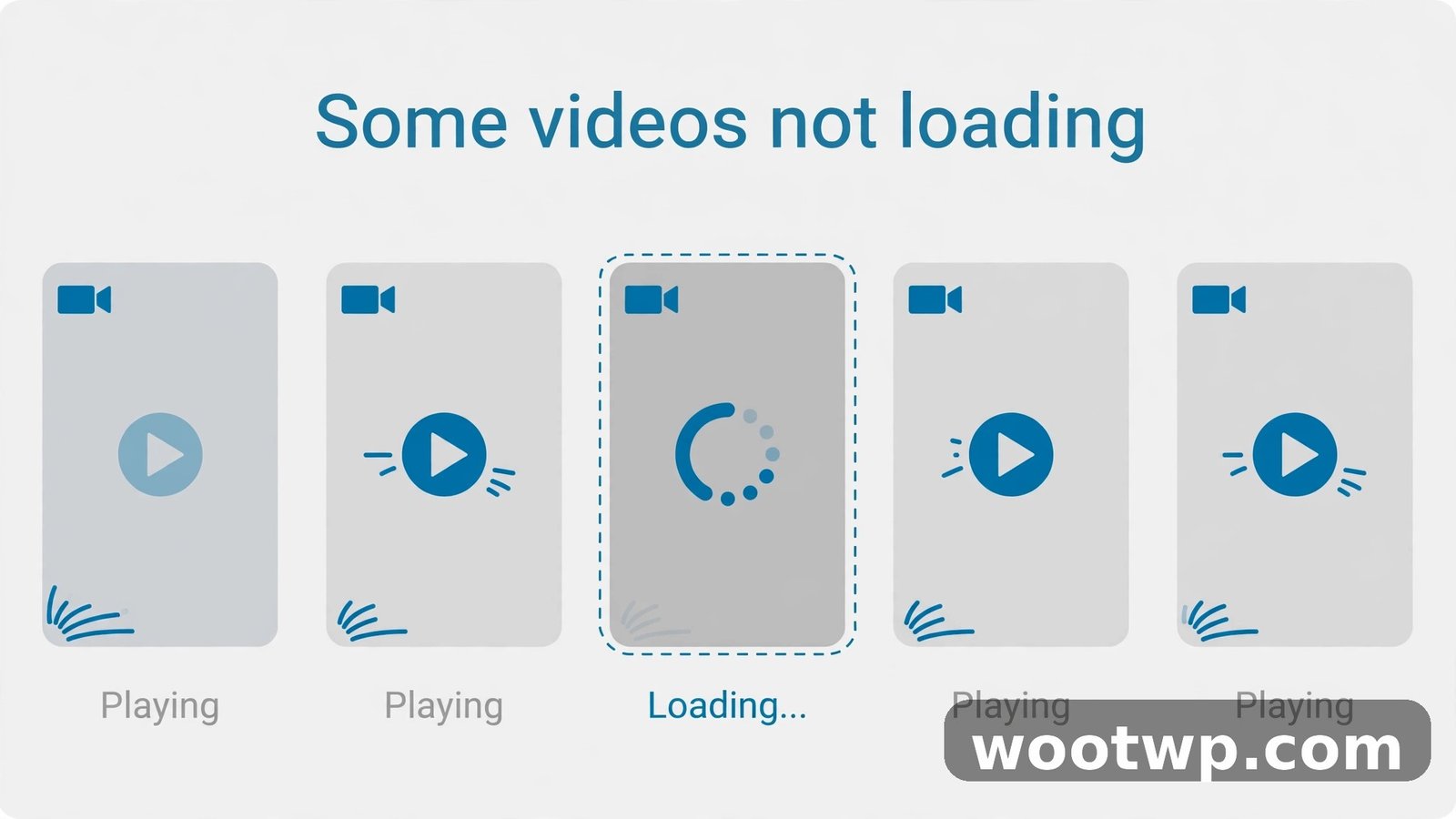
A single video that will not play is a different problem from a feed that will not load at all. None of the fixes above will bring back a video that was removed, made private, or limited by its creator. Check these signs before you keep troubleshooting:
- One video stalls, the rest play. The video may have been deleted, set to private, or restricted in your region. Try the creator’s profile and see if the video still appears there.
- Videos from one creator never load. The creator may have blocked you, or their account may be restricted. Try a different creator’s videos to confirm.
- Live streams stall but recorded videos play. Live video needs a faster, steadier connection than recorded video. Switch networks or move closer to the router, and try again.
- Videos load, but comments and likes do not. That points to an account or server issue, not a video loading problem. Check for an outage, then restart the app.
If you save videos to watch later, the guide on how to download TikTok videos without watermark free shows how to keep a copy on your phone, so a removed video does not mean losing the content you wanted to keep. Only download videos you have the right to keep, and respect the creator’s wishes.
Stop the Problem From Coming Back
Once videos load again, a few habits keep the feed smooth:
- Keep TikTok updated, and install app updates on Wi-Fi instead of letting them pile up for months.
- Clear the cache inside TikTok every few weeks if you watch a lot of video. It takes seconds, and it stops temporary files from growing into a problem.
- Keep at least a few gigabytes free on your phone. Video apps need working room, and a full phone stalls first on video.
- Restart your router monthly, or when video starts buffering across apps. A stale router causes slow degradation that is easy to miss.
- Avoid running a VPN through a distant server while you watch video. If you need a VPN, pick a server close to you for video sessions.
FAQs About TikTok Videos Not Loading
Why is TikTok not loading videos but my internet works?
Video needs a steadier stream than chat or web browsing, so a connection can pass a quick test yet stall on video. The cause is often TikTok’s damaged cache, a VPN or private DNS setting, or a weak Wi-Fi signal for video traffic. Switch networks, clear the cache inside TikTok, and turn off a VPN for a test to find which one applies to you.
How do I fix TikTok not loading videos on Android?
Close TikTok fully, restart your phone, and switch between Wi-Fi and mobile data to test the connection. Then clear the cache in TikTok under Settings and privacy, then Free up space, and update the app in the Play Store. If videos still stall, reset network settings and reinstall TikTok as a last step, after saving drafts and confirming your login details.
How do I fix TikTok not loading videos on iPhone?
Use the same order: restart the phone, test Wi-Fi and mobile data separately, clear the cache inside TikTok, and update the app in the App Store. iPhone has no clear-data button, so reinstalling is the equivalent last step. Save drafts first, confirm your login details, then delete TikTok, restart the phone, and install it again.
Will clearing the TikTok cache delete my drafts?
No. Clearing the cache inside TikTok removes temporary files only, and your drafts and login stay in place. Clearing data in Android system settings, or deleting and reinstalling the app, is different and can remove drafts saved only on your phone. Always save important drafts before you clear data or reinstall.
Is TikTok down when videos will not load?
Sometimes, yes. Check Downdetector for a spike in TikTok reports, and test TikTok on a second device or network. If reports spike and both devices fail the same way, wait for TikTok to fix the outage. Do not clear data or reinstall during an outage, since those steps cannot fix a server problem.
Why does TikTok load on Wi-Fi but not on mobile data?
That pattern points to a mobile data limit, a data saver setting, or a weak mobile signal. Check that you still have data left, that background data is allowed for TikTok, and that a VPN or private DNS setting is not blocking video. Switch to Wi-Fi for video if the mobile signal stays weak in that spot, or move closer to a window for a stronger signal.
Conclusion
To fix TikTok not loading videos, test in order: switch networks, restart the app and phone, check for an outage, clear the cache inside TikTok, fix the network, update the app, and reinstall only as a last resort after saving drafts. Most feeds come back at the network switch or the cache clear when you follow how to fix TikTok not loading videos in order, and the order matters, because it tells you what actually fixed the problem. Keep the app updated, clear the cache now and then, and check for an outage before you wipe anything, and the next stall will be a two-minute fix instead of an afternoon of guessing.