

Check If Your Email Has Been Hacked: 7 Proven Signs
That uneasy feeling when something looks off in your inbox is worth listening to. When you check if your email has been hacked and catch it early, you can lock the attacker out before they reset your bank passwords or scam your contacts. This guide shows you the seven signs that actually matter, how to run a proper breach check on your address, where to look for logins you don't recognize, and exactly what to do if the worst turns out to be true.
Table of Contents
- Quick Answer: How to Check If Your Email Has Been Hacked
- 7 Signs Your Email Has Been Hacked
- How to Check If Your Email Appeared in a Data Breach
- How to Check Recent Sign-Ins on Your Account
- What to Do If Your Email Has Been Hacked
- Is It Hacking or Just Spoofing?
- How to Stop It Happening Again
- FAQs
- Conclusion
Quick Answer: How to Check If Your Email Has Been Hacked
Look for three things: strange activity inside the account (unknown sent emails, changed settings, unexpected password resets), sign-ins from places you don't recognize, and your address showing up in known data breaches. Check all three — one clean result doesn't clear the other two. If you find evidence, change your password from a clean device, turn on two-factor authentication, and review every account tied to that email.
7 Signs Your Email Has Been Hacked
1. Your password suddenly stops working
The most obvious sign. Attackers change the password quickly to lock you out. If your usual password fails and you didn't change it, treat it as a compromise until proven otherwise.
2. Emails in your sent folder you didn't write
Check your sent folder. Messages you don't recognize — especially ones with links or attachments sent to your contacts — are a classic sign someone else is operating your account.
3. Password reset emails you never requested
If your inbox fills with "reset your password" emails from banks, shops, or social networks you didn't ask for, someone is using your email address as the key to take over your other accounts. This is one of the most urgent red flags.
4. Sign-in alerts from unknown places
Pay attention to "new sign-in" notifications from your provider. A login from a city or country you've never visited, on a device you don't own, deserves immediate action.
5. Contacts report spam coming from you
Friends complaining about weird links or money requests "from you" usually means your account is sending them. Don't ignore it — they're doing you a favor by telling you.
6. Messages are missing, deleted, or marked as read
Attackers often delete their tracks: they read your mail, delete the evidence, or mark things as read so you don't notice. If your inbox looks tidier than you left it, be suspicious.
7. Your recovery email or phone number changed
Check your account's security settings. If the recovery email or phone number isn't yours anymore, the attacker is cutting off your way back in. Fix this first, before anything else.
How to Check If Your Email Appeared in a Data Breach
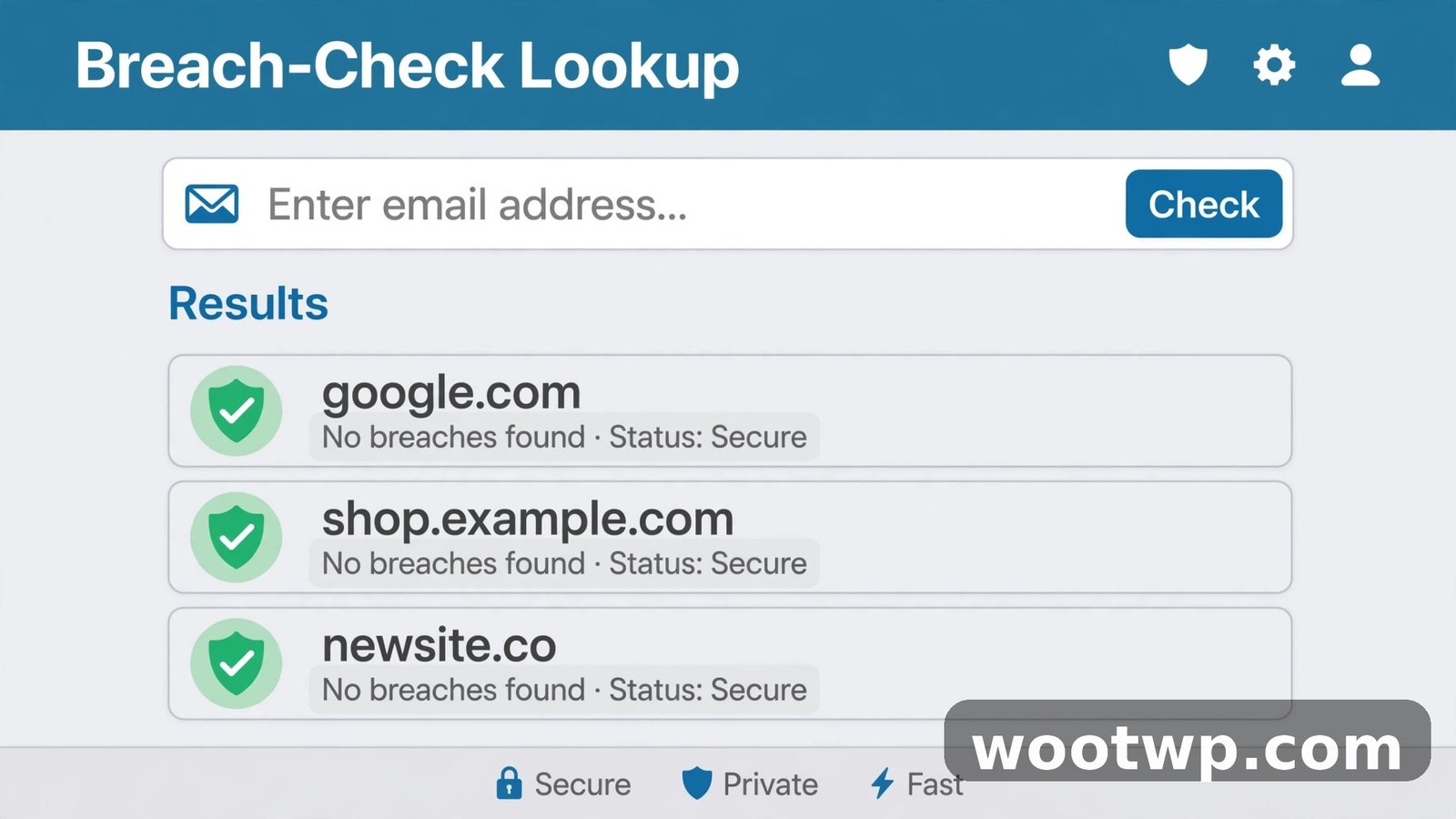
A breach check tells you whether your address (and possibly password) has leaked from some other service — which is how most "hacks" actually start. Someone grabs your leaked password from an old forum breach and tries it on your email.
The trusted tool for this is Have I Been Pwned, run by security researcher Troy Hunt. It's free and doesn't ask you to sign in:
- Go to haveibeenpwned.com.
- Type your email address into the search box and run the check.
- Read the results. Each listed breach shows when it happened, which service was hit, and what data was exposed (emails, passwords, phone numbers).
- Repeat for every email address you use — including old ones still linked to shopping or banking accounts.
- Sign up for the free "Notify me" alert so you hear about future breaches involving your address.
How to read the result: finding your address in a breach means your data was exposed — it doesn't automatically mean someone is inside your inbox right now. But if any listed breach included passwords and you reused that password on your email, change it immediately. A clean result is reassuring but not a guarantee, since not every breach is public.
How to Check Recent Sign-Ins on Your Account
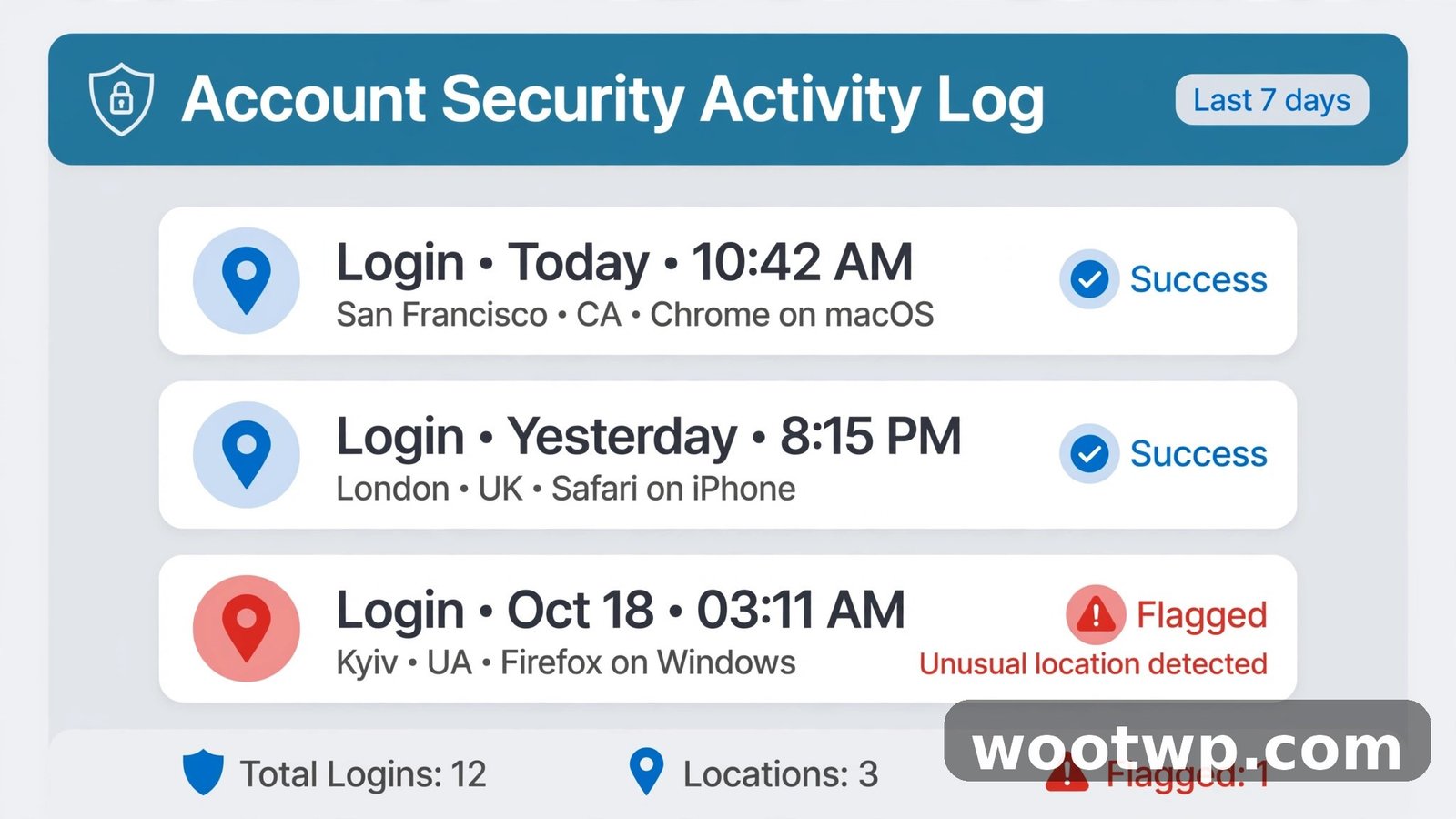
Every major provider keeps a log of recent account activity. Here's where to find it:
Gmail: Scroll to the bottom of your inbox and click "Details" in the bottom-right corner. You'll see recent IP addresses, locations, and device types that accessed your account. For the full picture, go to myaccount.google.com, then Security, then "Your devices" and "Recent security activity."
Outlook: Go to account.microsoft.com, then Security, then "View my sign-in activity." It lists each sign-in attempt with location, device, and whether it succeeded.
Yahoo: Go to Account Info, then "Recent activity" for the same kind of log.
Look for logins from places you haven't been, at times you were asleep, or from device types you don't own. One unfamiliar entry is worth investigating; a pattern of them means active compromise. If your provider lets you, sign out all other sessions from this same page — it kicks the intruder out immediately.
What to Do If Your Email Has Been Hacked
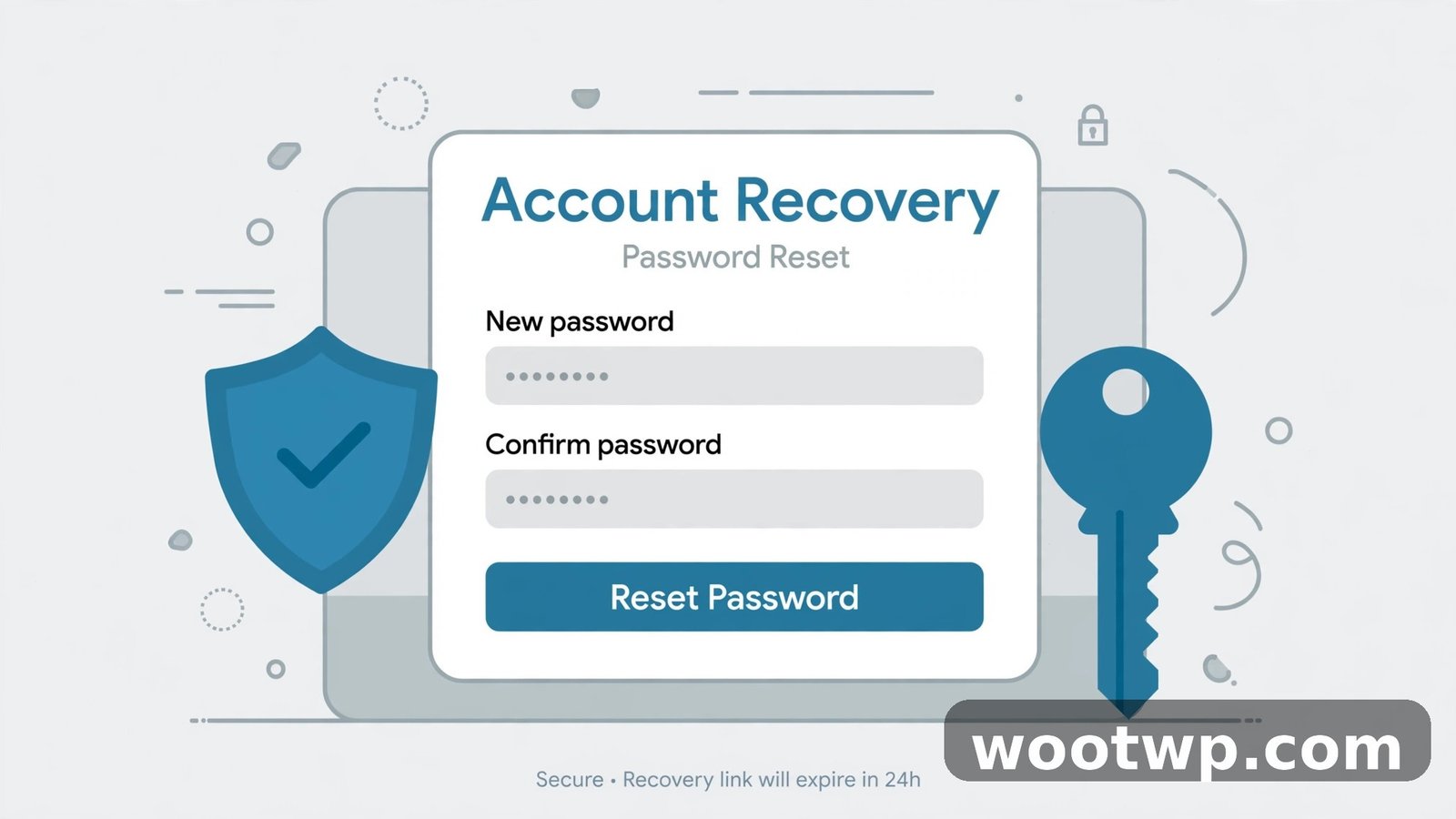
Act in this order. Speed matters, but so does doing it from a device you trust — if your computer has malware, changing passwords on it just hands the new ones over.
- Get to a clean device. Use a phone or computer you trust, or at least run a full antivirus scan first.
- Change the password. Make it long and unique — never reused anywhere else. If you need help crafting one, here's how to create a secure password you'll actually remember. If you can't log in, use the provider's account recovery flow and its identity verification steps.
- Restore your recovery options. Check that the recovery email and phone number in your security settings are yours. Change them back if they aren't.
- Turn on two-factor authentication. This is the single most effective step. An authenticator app beats SMS codes. If you're moving phones during this process, here's how to transfer Google Authenticator to a new phone without locking yourself out.
- Sign out all sessions. Use the "sign out everywhere" option in your security settings to kill any active attacker sessions.
- Check for attacker rules and forwarding. Look for mail filters, forwarding addresses, or auto-replies you didn't create. Attackers set these up to keep receiving your mail after you change the password.
- Scan your device. Run a full malware scan — credential-stealing malware is a common entry point.
- Work through your linked accounts. Any account that uses this email for password resets (banking, shopping, social) should get a fresh, unique password too, starting with the financial ones.
- Warn your contacts. A short message — "my email was compromised, don't click links from me from the last few days" — stops the attack spreading through your address book.
Is It Hacking or Just Spoofing?
Here's a distinction that saves a lot of panic: receiving weird messages that look like they come from you doesn't always mean your account was hacked. Attackers can spoof your address — forging the "from" field without ever logging in.
The fastest way to tell the difference: check your sent folder. If the messages aren't there and you can still log in normally, it's probably spoofing, not a breach of your account. Spoofing is still worth reporting to your provider, and setting up SPF, DKIM, and DMARC records on your own domain helps if you run one — but it doesn't require the full recovery routine above.
If the messages are in your sent folder, or you can't log in, treat it as a real compromise and work through the recovery steps.
How to Stop It Happening Again
Once you're back in control, make a repeat attack as hard as possible:
- Unique passwords everywhere. A password manager removes the excuse for reuse. Need a strong one right now? This free secure password generator creates long, random passwords in one click.
- Two-factor authentication on every important account — email first, then banking, then social.
- Keep recovery info current. An old phone number on your account is a hole.
- Don't log in on public Wi-Fi or shared computers without a VPN, and always sign out on shared machines.
- Update your devices. Most credential theft exploits known, patched vulnerabilities.
- Set up breach alerts so you hear about the next leak before attackers use it.
FAQs
How can I check if my email has been hacked for free?
Use Have I Been Pwned to check for breach exposure, review your provider's recent sign-in activity for unknown logins, and inspect your sent folder and security settings for changes you didn't make. All three checks are free.
What are the first signs that someone hacked my email?
Your password stops working, unknown emails appear in your sent folder, you get password-reset emails you didn't request, contacts report spam from you, and sign-in alerts arrive from unfamiliar locations.
My email was in a data breach — does that mean it's hacked?
Not necessarily. It means your address (and possibly password) leaked from another service. If you reused that password on your email, assume the worst and change it. If your email password was unique, the breach is a warning, not a compromise.
Someone is sending emails that look like they're from me, but I can still log in. Am I hacked?
Probably not — that's likely spoofing, where the sender address is forged without accessing your account. Check your sent folder to confirm the messages aren't actually being sent from your account.
What should I do first if my email is hacked?
From a trusted device, change your password, verify your recovery email and phone number are still yours, enable two-factor authentication, and sign out all other sessions. Then check for hidden forwarding rules the attacker may have set.
Can a hacked email lead to my bank account being stolen?
Yes — email is the master key, because most services let you reset passwords through it. That's why you should change passwords on financial accounts first after recovering your email, and use a unique password for each one.
Conclusion
To check if your email has been hacked, combine all three checks: look for the warning signs inside your account, review your sign-in history for strangers, and run your address through a breach lookup. If you find evidence, recover in the right order — clean device, new password, fixed recovery options, two-factor on, sessions killed, hidden rules removed. And once you're safe, unique passwords plus two-factor authentication make a repeat attack dramatically harder. A few careful minutes now beats weeks of untangling identity theft later.
