
How to Write Better AI Prompts: 7 Proven Easy Techniques
Learning how to write better AI prompts is the fastest way to get useful answers from a chatbot, instead of generic text you have to rewrite yourself. A prompt is simply the instruction you type into a tool such as ChatGPT, Gemini, or Claude. The clearer and more complete that instruction is, the less guessing the tool has to do, and the closer the first answer lands to what you actually wanted.
You do not need technical language, special codes, or a long prompt to get good results. Most weak prompts fail for the same few reasons: they are vague, they leave out who the answer is for, they never say what format is wanted, or they ask for far too much in one go. This guide fixes each of those problems with seven practical techniques, side-by-side examples, and copy-paste templates you can use today for work, study, and everyday tasks.
Table of Contents
- Why Do Most AI Prompts Give Weak Answers?
- How to Write Better AI Prompts by Being Specific
- How to Add Context That Changes the Answer
- How to Give the AI a Role That Fits Your Task
- How to Set the Format, Length, and Tone You Want
- How to Show an Example Instead of Describing a Style
- How to Break a Big Task Into Smaller AI Prompts
- How to Improve the First Answer Instead of Starting Over
- Ready-to-Copy Prompt Templates for Work, Study, and Everyday Use
- Common Prompt Mistakes That Waste Your Time
- FAQs About Writing Better AI Prompts
- Conclusion
Why Do Most AI Prompts Give Weak Answers?
A chatbot does not know your situation, your audience, or your deadline unless you tell it. When you type a single vague sentence, the tool fills in the blanks with the most average answer it can produce, which is why so many first answers sound the same. Vague input produces generic output. Precise input produces targeted output.
Compare these two prompts for the same task:
- Weak: "Write about exercise."
- Strong: "Write a 300-word introduction for a blog post aimed at busy office workers, explaining three simple ways to add more movement to a workday. Use a friendly tone and end with one question for the reader."
The second prompt answers four questions the first one leaves open: how long, who it is for, what it should cover, and how it should sound. The tool has far less to guess, so the result needs far less editing. In my experience, adding those four details takes twenty seconds and saves ten minutes of rewriting.
The same pattern shows up in every kind of task. "Explain machine learning" gets a textbook answer. "Explain machine learning to a 16-year-old with no coding background, in plain English, with one everyday analogy" gets an answer you can actually use in a lesson. The difference is never the tool. It is the detail in the prompt.
How to Write Better AI Prompts by Being Specific
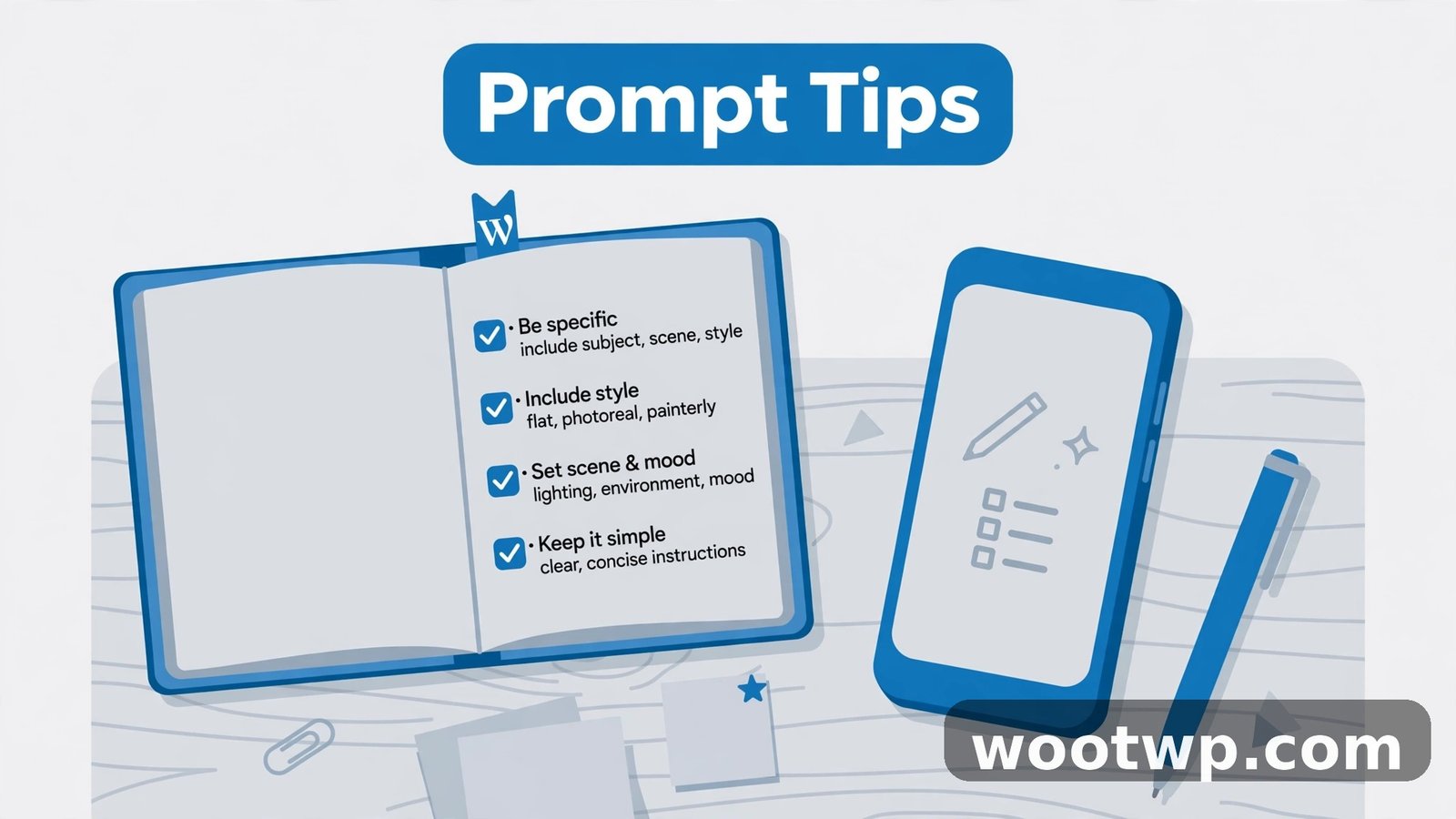
Specificity is the single most important prompt skill, and it is also the easiest to learn. Replace vague words with concrete numbers, names, and limits. Every vague adjective in your prompt is a decision you are handing to the tool, and the tool will choose the most average option.
Use this swap list when you draft a prompt:
- "Short" becomes "under 100 words" or "in three sentences".
- "A few examples" becomes "exactly three examples".
- "Professional tone" becomes "formal tone, no contractions, suitable for a business email".
- "Improve this" becomes "rewrite this to be 20 percent shorter, keeping all the key points".
- "Better" becomes the thing you actually mean, such as "simpler words", "shorter sentences", or "more examples".
Be specific about the subject too. "Write a marketing email" could mean anything. "Write a 150-word cold email to HR managers at companies with 50 to 500 staff, introducing a time-tracking tool they have never heard of" gives the tool an audience, a length, and a purpose. That is the difference between a draft you delete and a draft you edit.
Specificity also means naming what to leave out. If you do not want jargon, say "no technical jargon". If you do not want the tool to recommend paid software, say "free tools only". If a topic is off limits, name it. A short "do not" line often improves an answer more than a long "do" list, because it stops the most common wrong turn before it happens.
How to Add Context That Changes the Answer
Context is the background the tool cannot know on its own: who you are, who the answer is for, what you have already tried, and what limits you face. Two sentences of context can transform an answer from generic to usable.
Include these context layers when they matter:
- Who you are: your role, experience level, or situation. "I am a beginner making short tutorial videos at home" beats "I make videos".
- Who the audience is: age, knowledge level, or job. An answer for new parents sounds nothing like an answer for accountants, even for the same topic.
- What the output is for: a blog post, a school assignment, a work email, a social post. The format and tone follow the purpose.
- What limits apply: time, tools, budget, or rules. "I have 30 minutes" and "I only have a phone" both change what a useful answer looks like.
- What has already been tried: so the tool does not repeat a failed approach. "I tried restarting the router and it did not help" saves a round of obvious advice.
A worked example shows how much context matters:
- Without context: "How do I save money?"
- With context: "I earn a fixed salary, I rent a flat, and I spend too much on food delivery. Give me a weekly plan to cut food spending by 30 percent without cooking every day."
The second prompt gets a plan for a real person. The first gets a list of tips you have heard before. When you are short on time, add just one context sentence. Even that one sentence moves the answer from average to personal.
How to Give the AI a Role That Fits Your Task
Asking the tool to take on a role helps it choose the right tone, depth, and angle. A role is a short opening phrase that sets the perspective for the whole answer. It works because the tool then writes as if it were that person, with that person's priorities.
Try openings like these:
- "Act as an experienced editor and review this paragraph for clarity."
- "You are a patient tutor explaining this to someone with no technical background."
- "Respond as a project manager creating a simple task plan for a two-person team."
- "Act as a travel guide who knows this city well and loves street food."
- "You are a hiring manager. Tell me the three weakest parts of this CV."
Keep the role realistic and matched to the task. A role that is too grand, such as "act as the world's best expert on everything", adds nothing. A role that is specific, such as "act as a primary school teacher explaining fractions", changes the vocabulary, the examples, and the pace of the answer in a useful way.
You can also give the tool a role plus an audience in one line: "Act as a friendly fitness coach writing for complete beginners over 50." That single sentence sets the tone, the reading level, and the safety level of the advice. For sensitive topics such as health, money, or legal questions, a role never replaces professional advice, and you should still check important answers with a qualified person.
How to Set the Format, Length, and Tone You Want
If you do not say what shape the answer should take, the tool will guess, and its guess is usually a long block of text with a short introduction. Naming the format is one of the cheapest wins in prompt writing, because it costs five words and saves a full rewrite.
Name the format directly:
- "Give me a numbered list of seven steps, one sentence each."
- "Show this as a table with three columns: task, time needed, and tools required."
- "Write this as a draft email with a subject line, three short paragraphs, and a clear closing question."
- "Answer in under 100 words, in plain English, with no bullet points."
Set a length limit whenever the length matters. "Short" means different things to different people, but "under 150 words" means the same thing to everyone. For a social post, give a character limit. For a presentation, give a slide count and a line limit per slide. For a report, give a word count per section, not just a total, or one section will eat the whole budget.
Tone is part of format too. Say the tone in plain words: friendly, formal, direct, encouraging, or humorous. Add a comparison if it helps: "Write it like a helpful shop assistant, not like a textbook." One tone sentence is enough. Two or three tone words that pull in different directions, such as "formal but casual and funny", will confuse the result, so pick the one tone that matters most.
How to Show an Example Instead of Describing a Style
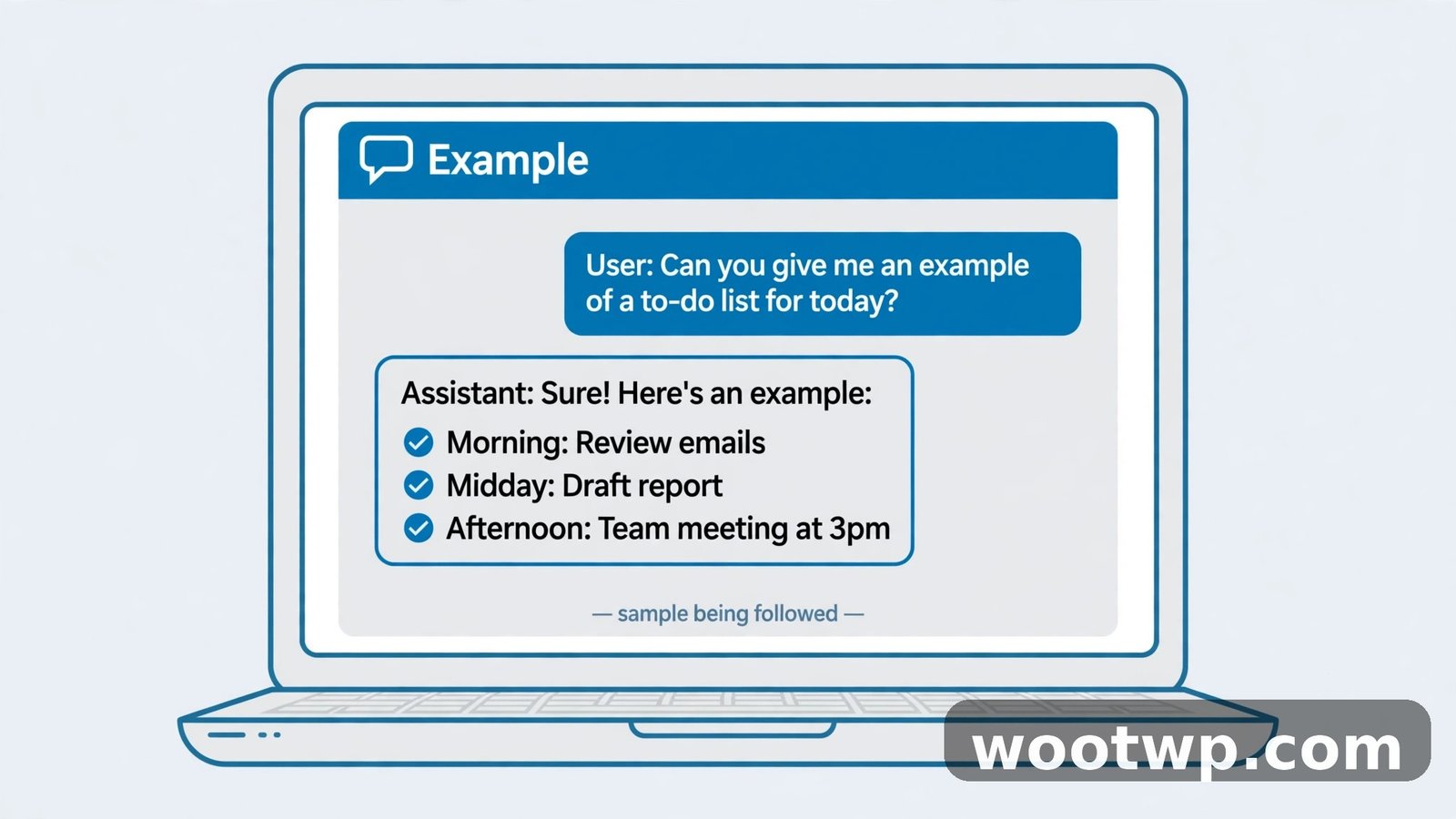
When style matters, an example beats a description. Describing a tone with adjectives takes a paragraph and still leaves room for guesswork. Pasting a short sample shows the exact style, structure, and voice you want, and the tool can copy that pattern directly.
This approach is especially useful for:
- Product descriptions that must match the style of your shop.
- Social posts that must match the voice of your page.
- Emails that must match how your team already writes.
- Headlines that must match a pattern, such as a question followed by a number.
- Lesson materials that must follow a fixed layout, such as heading, example, and practice question.
Use a short example, not a long one. Two or three sentences, or one short sample post, is enough. Then add one instruction line: "Write three more in the same style, about a different product." The tool will follow the sample's length, tone, and structure without you having to describe any of them.
If you have no sample of your own, describe the structure instead: "For each item, give a short heading, one sentence explaining it, and one practical example." A fixed structure is a form of example, and it makes a long answer much easier to scan. Readers notice structure before they notice wording, so a clear structure often matters more than a perfect tone.
How to Break a Big Task Into Smaller AI Prompts
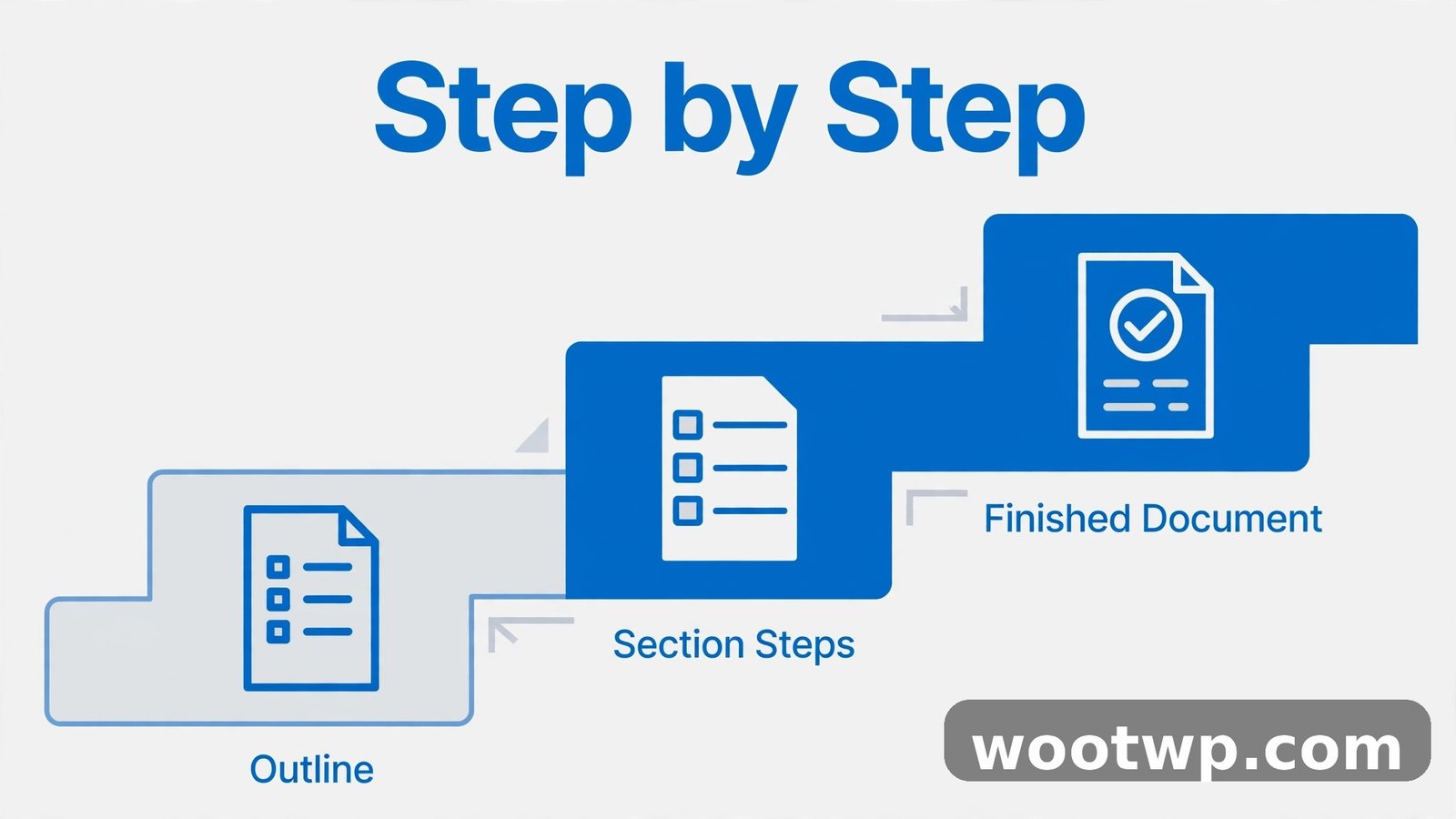
Asking for a whole report, a full website, or a complete marketing plan in one prompt usually produces something shallow. The tool spreads its effort thin across the whole job, and no part gets enough detail. Breaking the job into stages gives each part the attention it needs, and it lets you steer the work as it goes.
Work in this order for a large task:
- Ask for an outline first. "Give me an outline for a 1,500-word guide to starting a small garden, with five sections and a one-line summary of each."
- Review and fix the outline. Change a section, add a missing point, or cut a section that does not fit. This is the cheapest place to fix a wrong direction.
- Ask for one section at a time. "Write section 2, about soil and sunlight, in 250 words, in plain English, with three practical tips."
- Ask for a connecting pass last. "Read these sections and suggest two sentences that link section 2 to section 3 smoothly."
The same staging works for non-writing jobs. For a study plan, ask for the topics first, then the weekly schedule, then the daily tasks. For a business idea, ask for the audience first, then the offer, then the pricing, then the first marketing message. Each step builds on the answer you approved, instead of guessing the whole plan at once.
Staging also helps when the first answer is wrong. If the outline is wrong, you lose one short answer, not a whole report. Fix the outline, then continue. If you asked for everything at once and the result is wrong, you have to throw away the whole thing and start over, which is the slowest way to work.
How to Improve the First Answer Instead of Starting Over
Most people stop at the first answer, or they delete it and type a new prompt from scratch. Both habits waste the work already done. The first answer is a draft, and a chatbot is built for follow-up. Treat the conversation as an edit, not a single shot.
Use precise follow-up prompts that name exactly what to change:
- "Make it more casual, but keep the facts the same."
- "Cut the second paragraph by half and keep the examples."
- "Rewrite only the opening paragraph. Make it more surprising."
- "Give me the same content, but for an audience with no technical background."
- "What assumptions did you make in that answer?"
- "List three things I have not considered yet."
The last two follow-ups are the most valuable for important decisions. Asking what the tool assumed exposes the gaps in your prompt, and asking what you missed surfaces angles you had not thought of. Use them before you act on advice about money, health, study choices, or work decisions, and verify facts, figures, and quotes against a reliable source before you rely on them.
If an answer keeps missing the point after two follow-ups, the prompt itself is the problem, not the editing. Go back to the start, add the missing context or format, and run the improved prompt fresh. Two follow-ups is a good rule of thumb: edit twice, then rewrite the prompt once with better detail.
For image work, prompts matter just as much as for text. A clear prompt that names the subject, style, and use case gets a usable image far faster than a one-word request. Our guide on how to create AI images for free shows how the same detail-first approach works when the output is a picture, and our guide on how to use Gemini AI for research and study shows how to apply staged prompts to learning tasks.
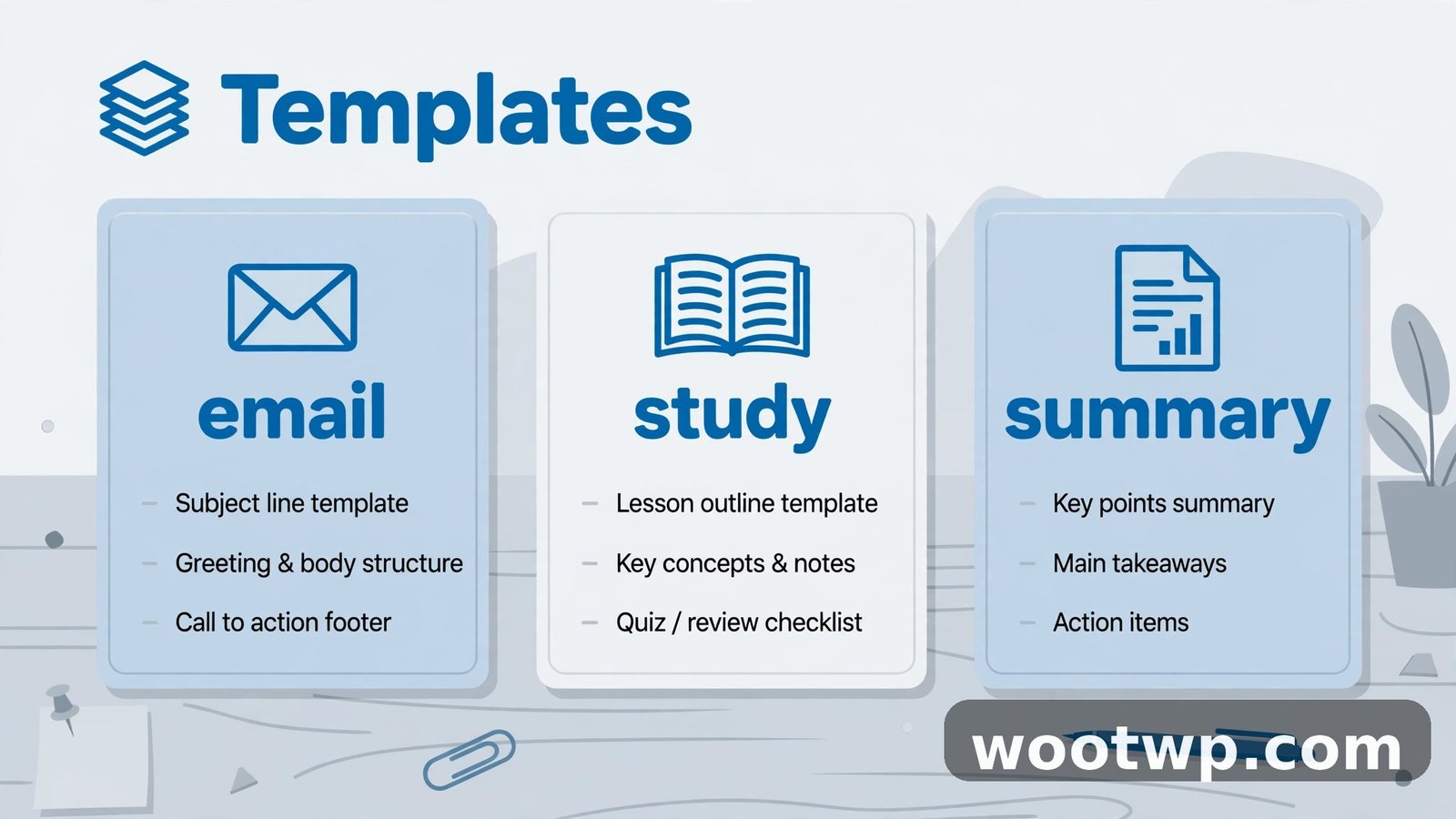
Ready-to-Copy Prompt Templates for Work, Study, and Everyday Use
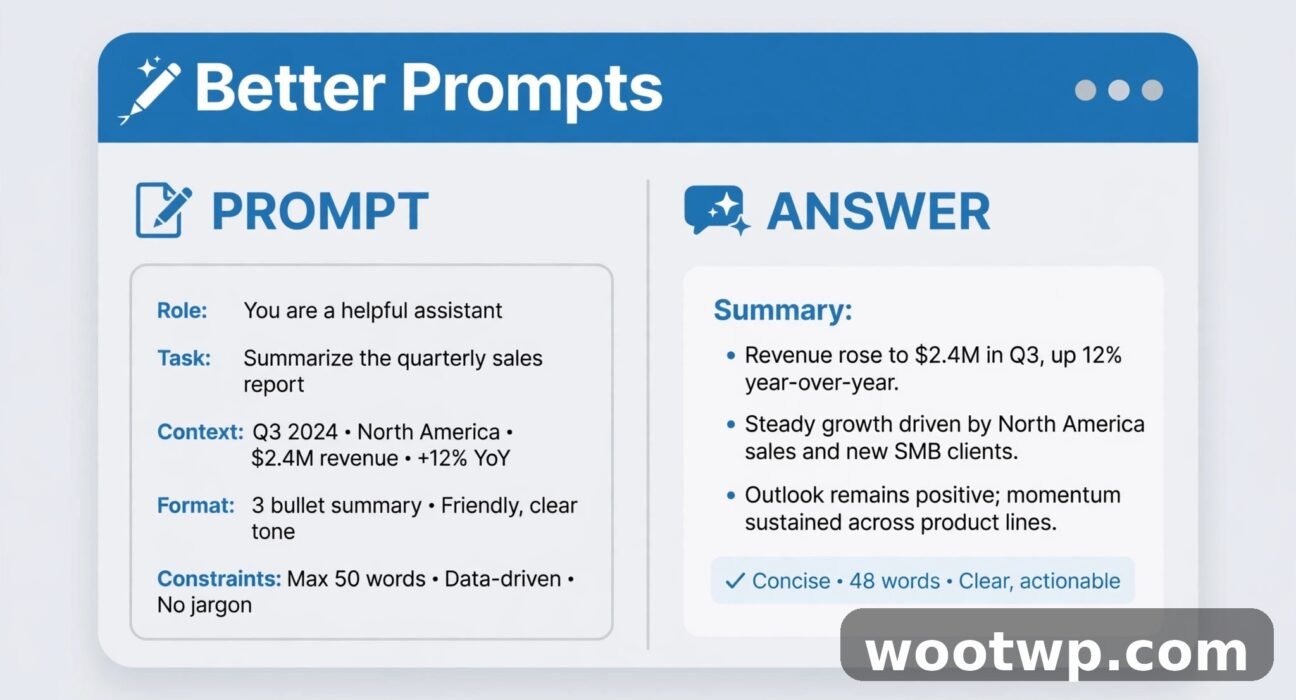
Copy a template, fill in the bracketed parts, and send it as-is. Each one uses the techniques above: a role, context, a task, a format, and a limit.
Summarise a Long Text
"Act as a careful editor. Summarise the text below in five bullet points, each under 20 words, in plain English, for someone who has not read it. Keep all numbers and dates exactly as written. Text: [paste your text here]"
Write a Work Email
"Act as a polite project manager. Write a 120-word email to [name and role] about [topic]. State the problem in one sentence, propose [your solution], and end with one clear question asking for a decision by [date]. Use a formal tone and no jargon."
Plan a Study Session
"I am a [student level] studying [subject]. I have [time available] and my exam is on [date]. Act as a study coach and give me a plan for today in numbered steps, with a time for each step and one break. Focus on [weak topic] and include one quick self-test at the end."
Explain a Hard Idea Simply
"Explain [topic] to a complete beginner in under 150 words. Use one everyday analogy, no technical terms, and end with one example of how it is used in real life."
Brainstorm Ideas
"Give me 10 ideas for [goal] aimed at [audience], in a numbered list. Each idea needs one sentence explaining it and one sentence on why it might work. Do not repeat ideas that rely on [thing to avoid]."
Fix and Improve a Draft
"Act as an experienced editor. Rewrite the draft below to be clearer and 20 percent shorter, keeping all key points and facts. Show me the rewritten version only, with no extra explanation. Draft: [paste your draft here]"
Keep a small library of the templates you use most. Save them in a notes app with your own filled-in examples, so you can reuse a working prompt in seconds instead of rebuilding it each time. A prompt that worked once will usually work again for a similar task, with only the bracketed details changed.
Common Prompt Mistakes That Waste Your Time
- One vague sentence for a complex job. "Write a report" is not a prompt, it is a wish. Add length, audience, sections, and purpose before you send it.
- No format at all. If you want a list, say list. If you want a table, say table. The tool cannot read your mind about layout.
- Secrets in the prompt. Never paste passwords, private customer data, medical details, or confidential work documents into a chatbot. Assume anything you type could be stored or reviewed, and share only what you would be happy to see elsewhere.
- Trusting the first answer unchecked. Chatbots can state wrong facts with full confidence, including wrong dates, prices, and quotes. Check anything important against an official source before you publish it or act on it.
- Overlong prompts. A prompt that runs for pages buries the task under detail. Keep the core instruction short, put long source text at the end, and use headings or labels such as "Task:", "Context:", and "Text:" to keep it organised.
- Asking for everything at once. A single prompt for a whole book, course, or campaign gives you a shallow outline, not a finished product. Stage the work and approve each step.
The official prompting guides from the major tool makers agree on these points. OpenAI's prompt engineering guide stresses clear instructions and examples, and Google's prompting strategies guide covers the same ground for Gemini, including how examples and step-by-step instructions improve results. Reading one of those guides once, then applying the seven techniques in this article, covers most of what a beginner needs.
FAQs About Writing Better AI Prompts
What is the best way to write a good AI prompt?
State the task clearly, add one or two sentences of context, name the audience, and set the format and length. A good prompt answers what you want, who it is for, how it should look, and how long it should be. That four-part structure works for almost every task, from emails to study plans.
How long should an AI prompt be?
As long as it needs to be, and no longer. A simple question needs one or two sentences. A complex task needs a short paragraph with the role, context, task, and format. If your prompt is longer than the answer you expect, cut the background detail and keep only what changes the result.
What are the 7 techniques for better AI prompts?
Be specific with numbers and limits, add context about you and your audience, give the tool a role, set the format, length, and tone, show an example when style matters, break big tasks into stages, and improve the first answer with precise follow-ups. Used together, they turn a generic first answer into a usable draft.
Do I need to learn prompt engineering to use ChatGPT or Gemini?
No. You need the basics in this guide: clear instructions, context, and a format. Formal prompt engineering is a deeper field for developers building products on top of these tools. For everyday use, the seven techniques here are enough, and they improve with practice, not with study.
Why does the AI give me the same generic answer every time?
Because the prompt leaves the same gaps every time. The tool fills missing details with the most average choice. Add a specific audience, a length limit, and one context sentence, and the answer will change at once. If it still sounds generic, show an example of the style you want.
Should I put private information in an AI prompt?
No. Never paste passwords, private personal data, confidential work files, or sensitive medical details into a chatbot prompt. Describe the task in general terms, remove names and numbers before you paste text, and check the tool's privacy settings if you use it for work.
Conclusion
To write better AI prompts, give the tool what it cannot guess: a specific task, a sentence of context, a role, and a clear format. Show an example when style matters, break big jobs into stages, and edit the first answer with precise follow-ups instead of starting over. Try one template from this guide on your next task, change one detail at a time, and you will feel the difference in the first answer, not the fifth.